
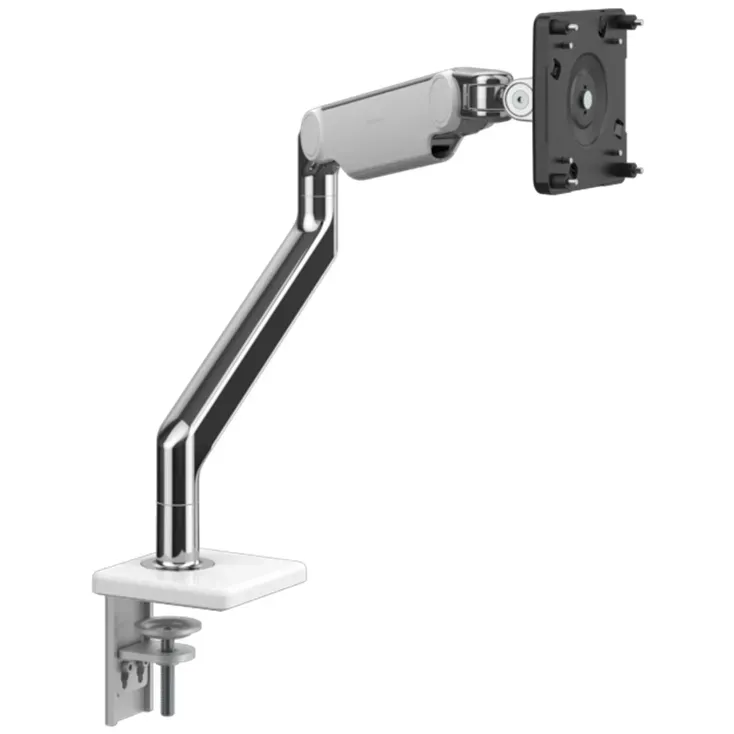
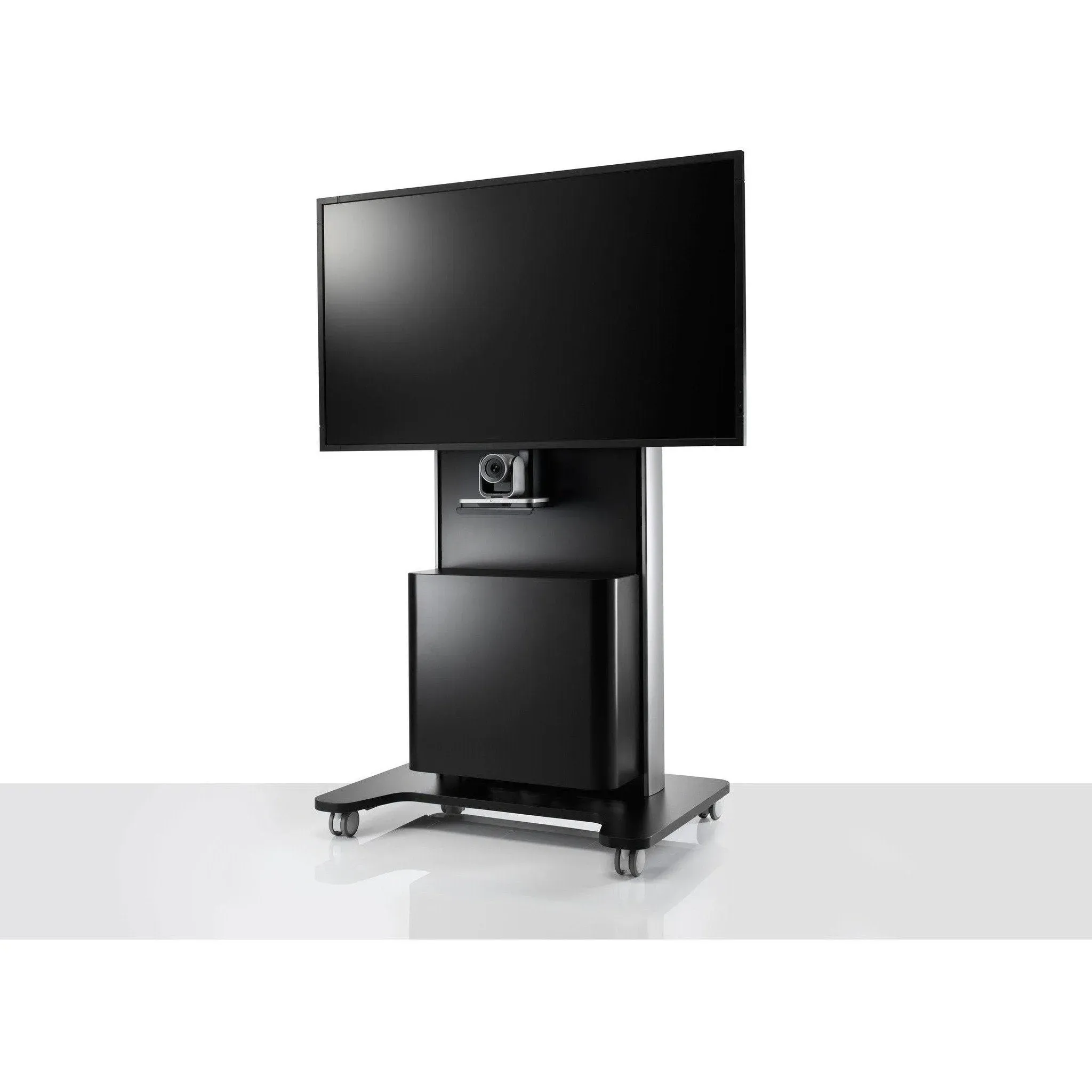
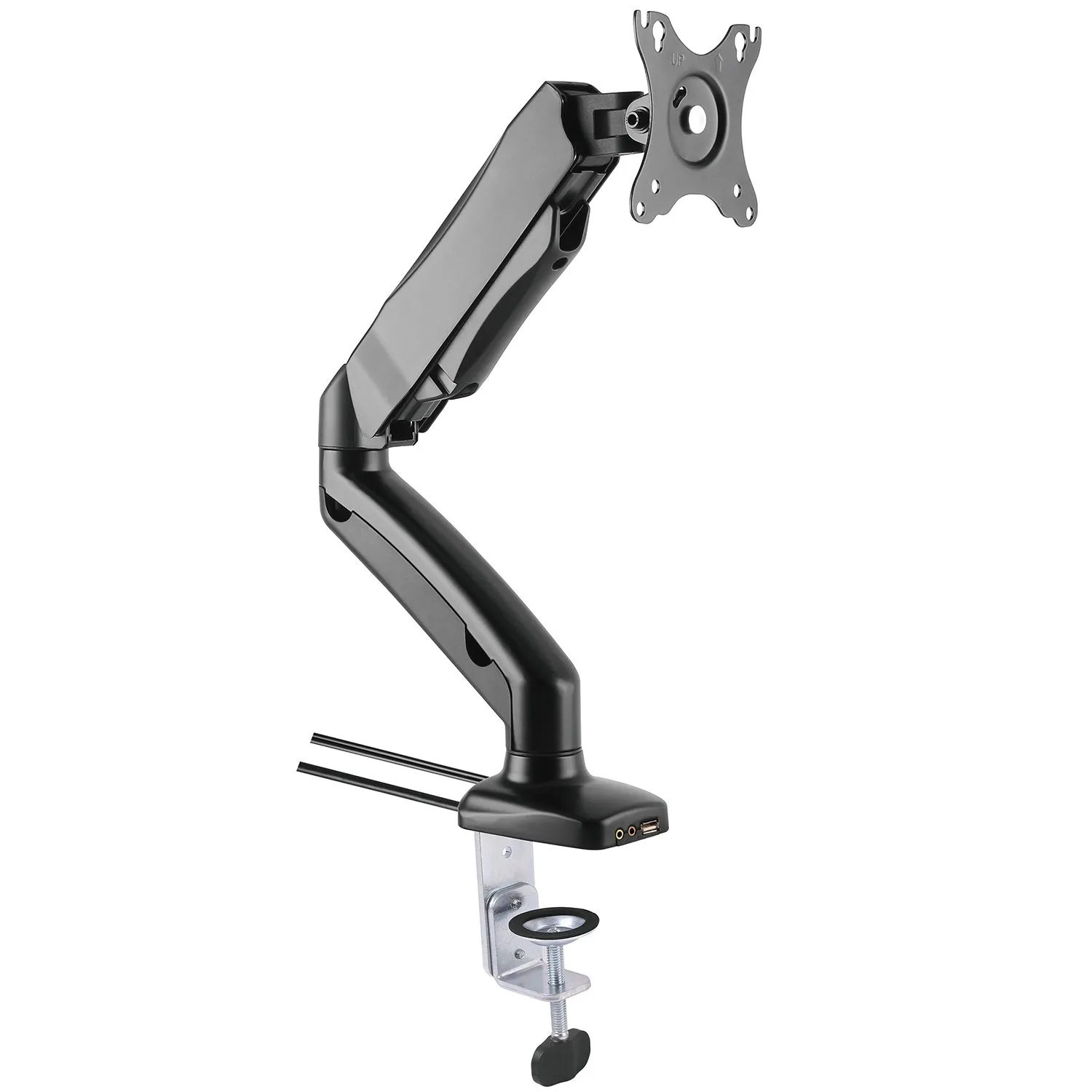
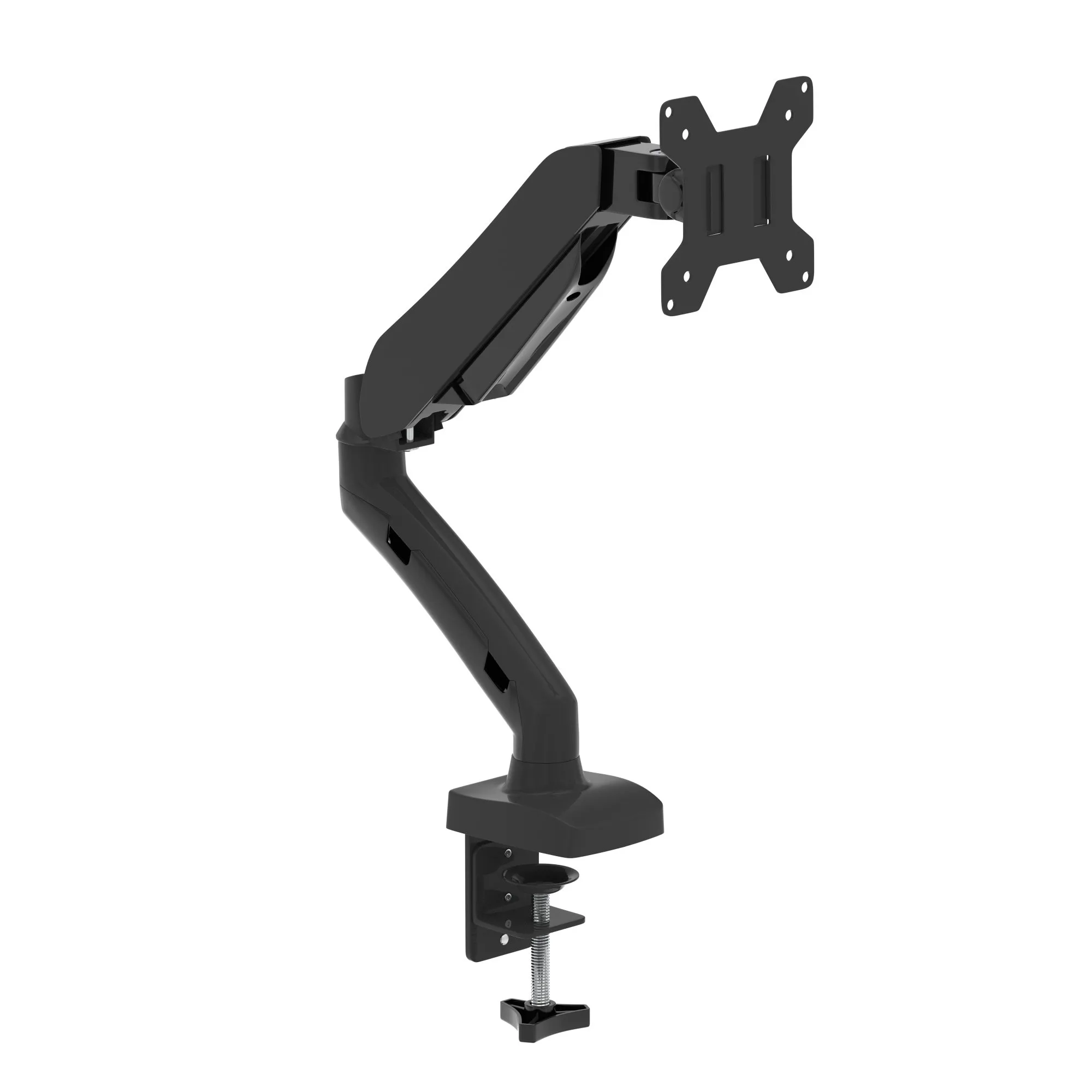
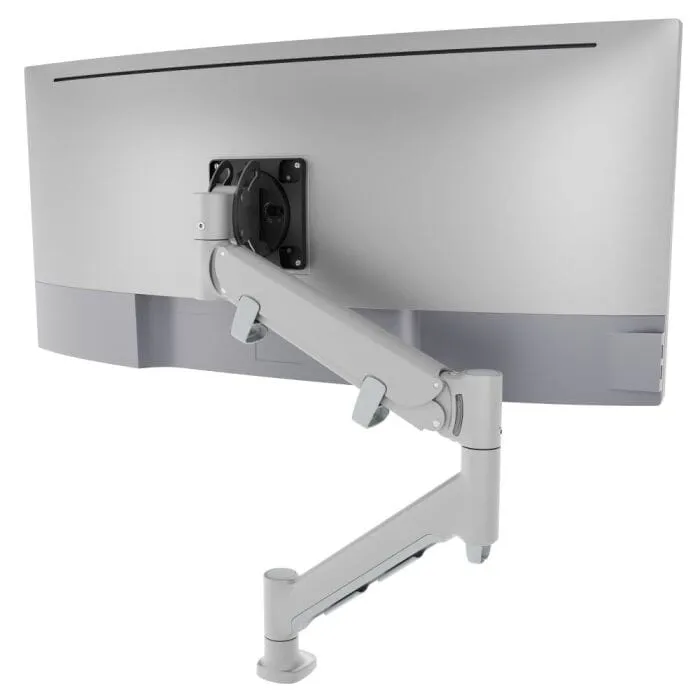
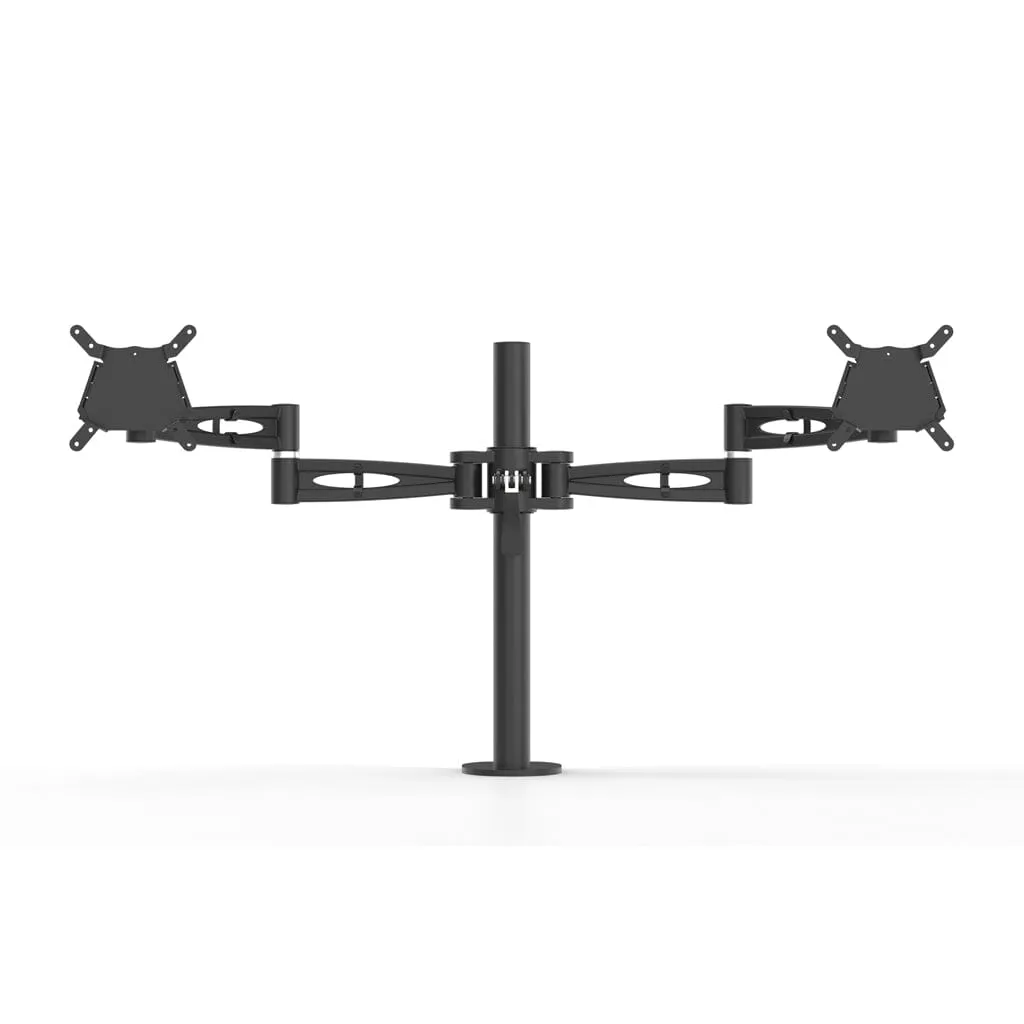
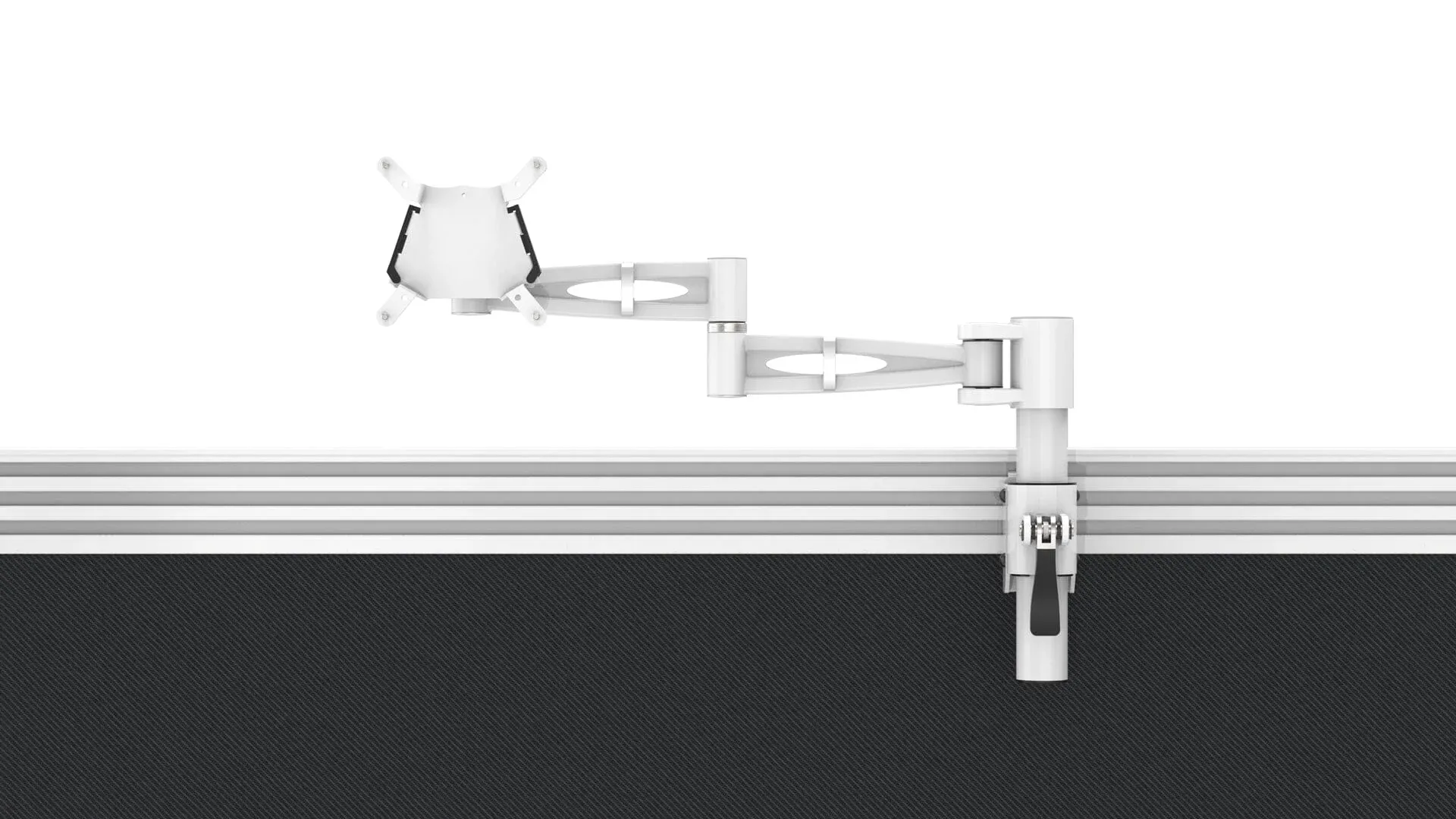
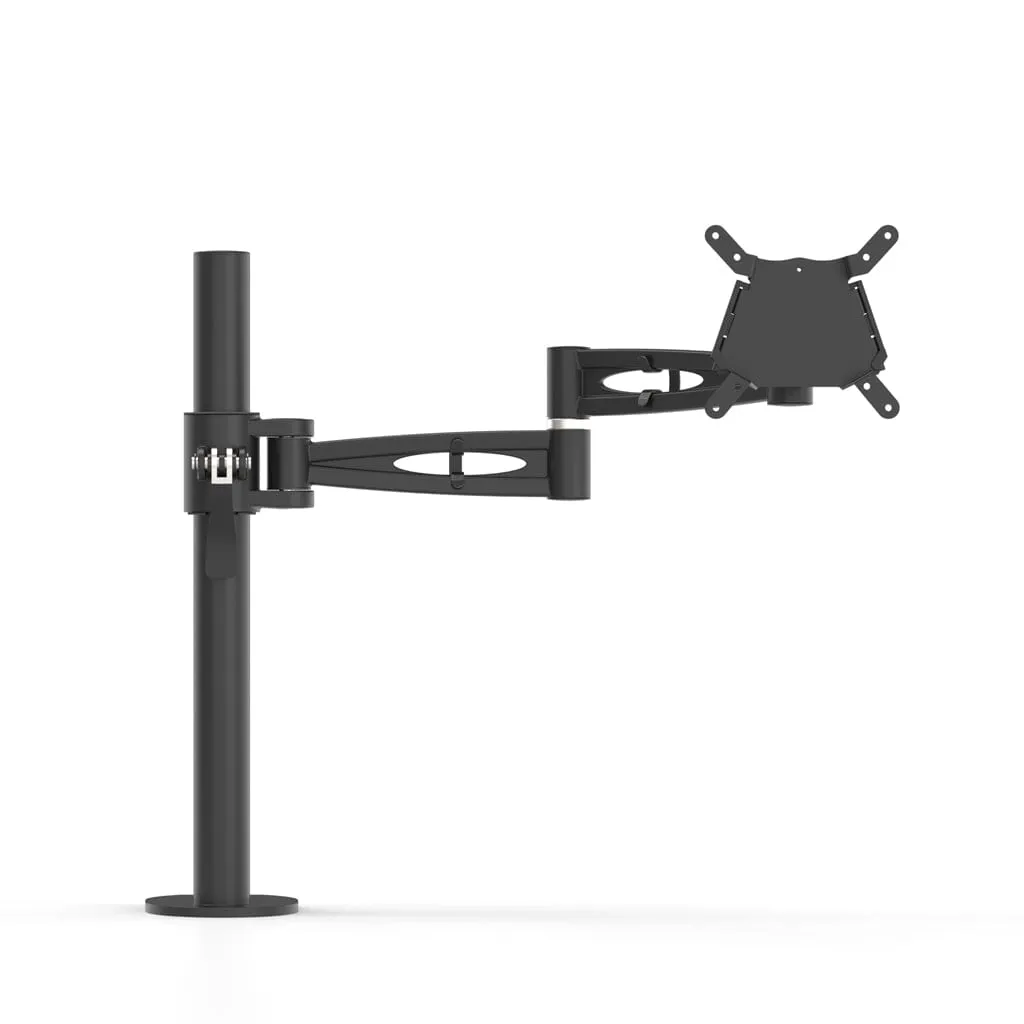
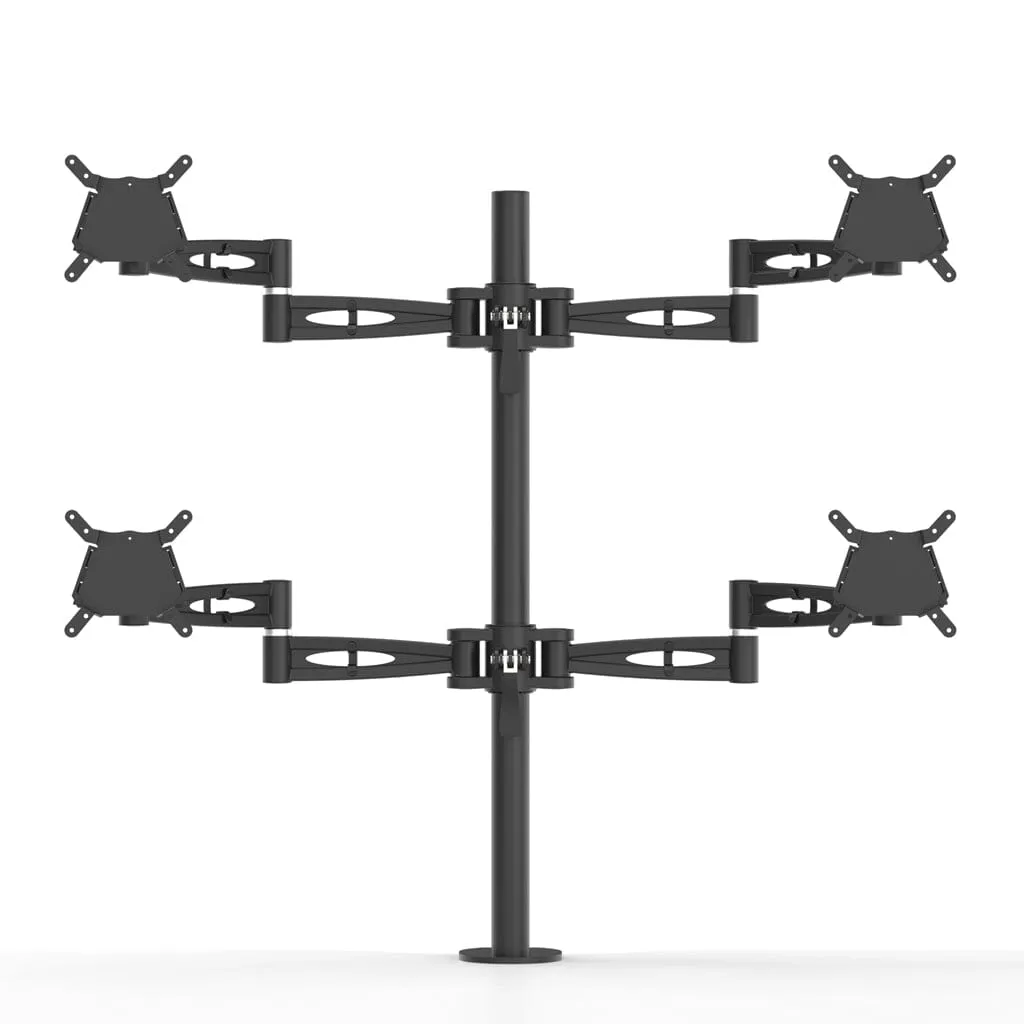
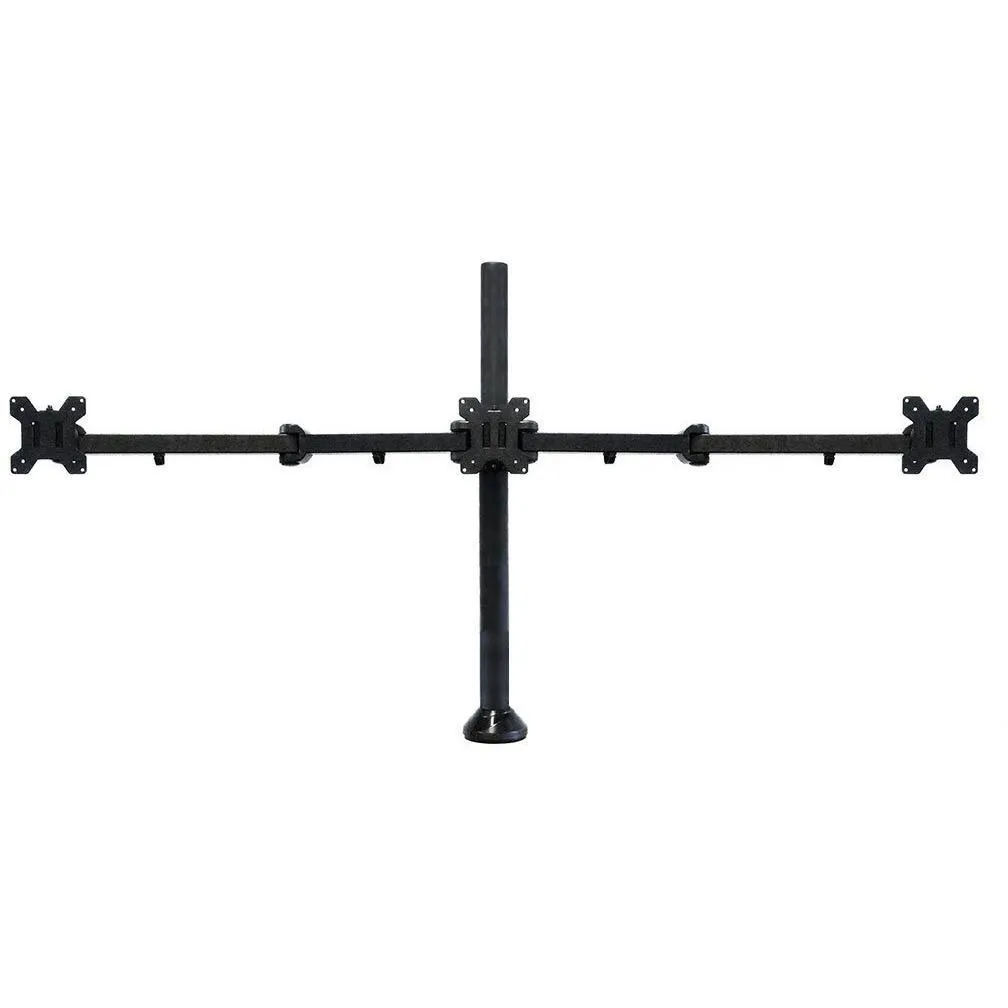
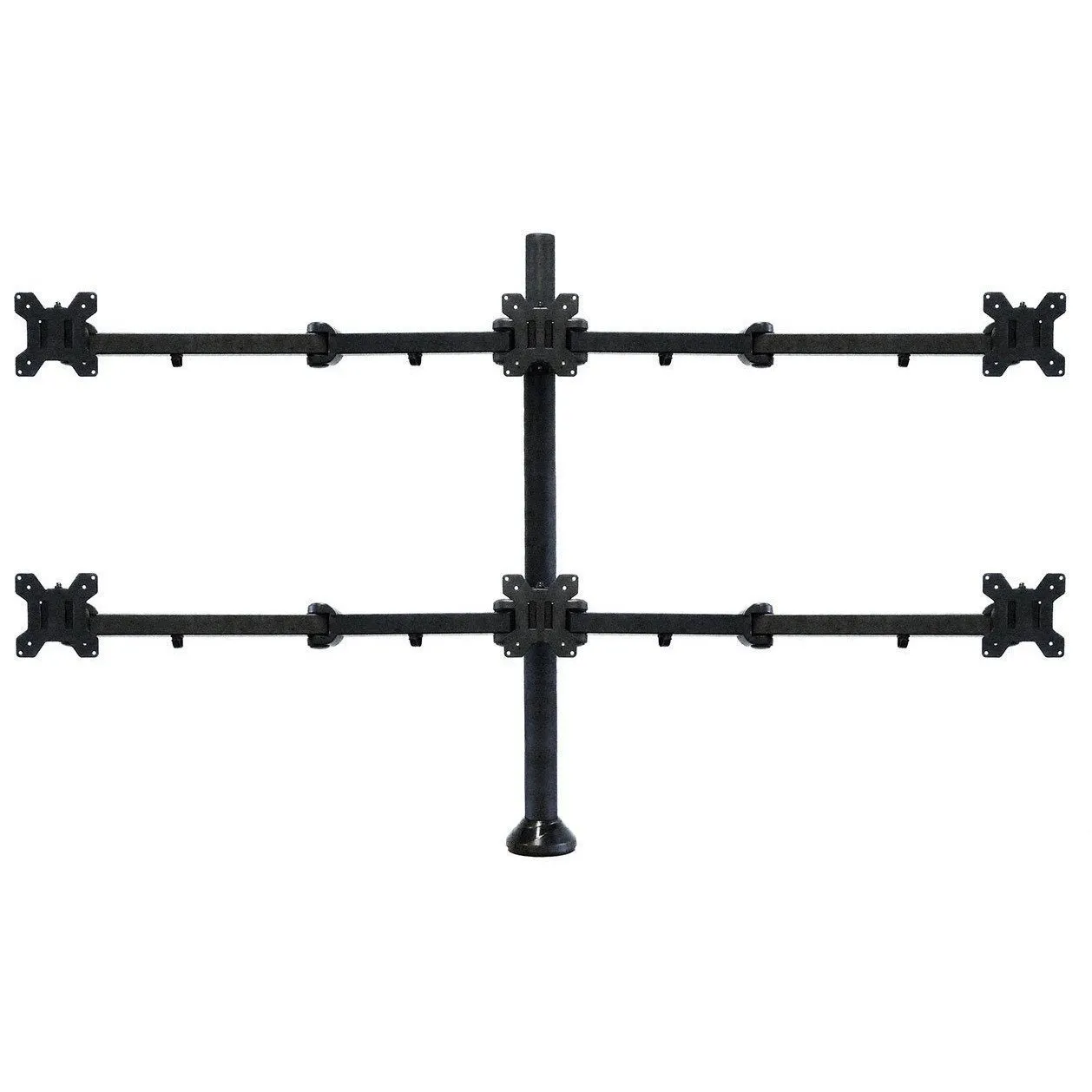
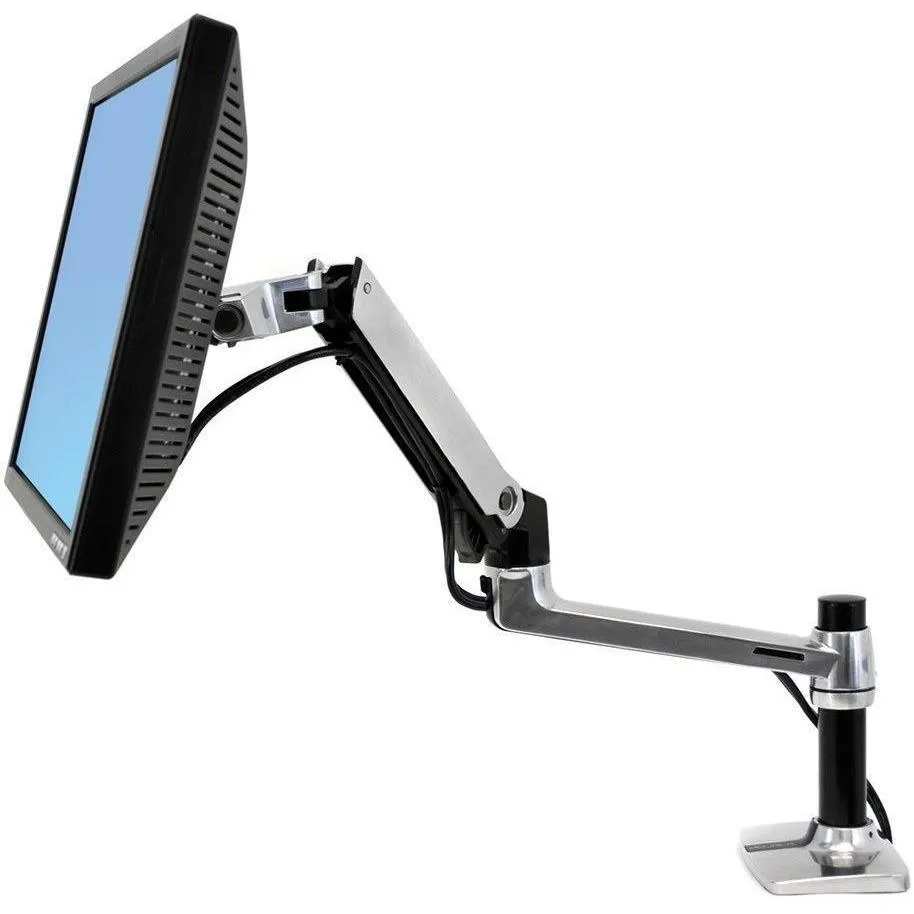
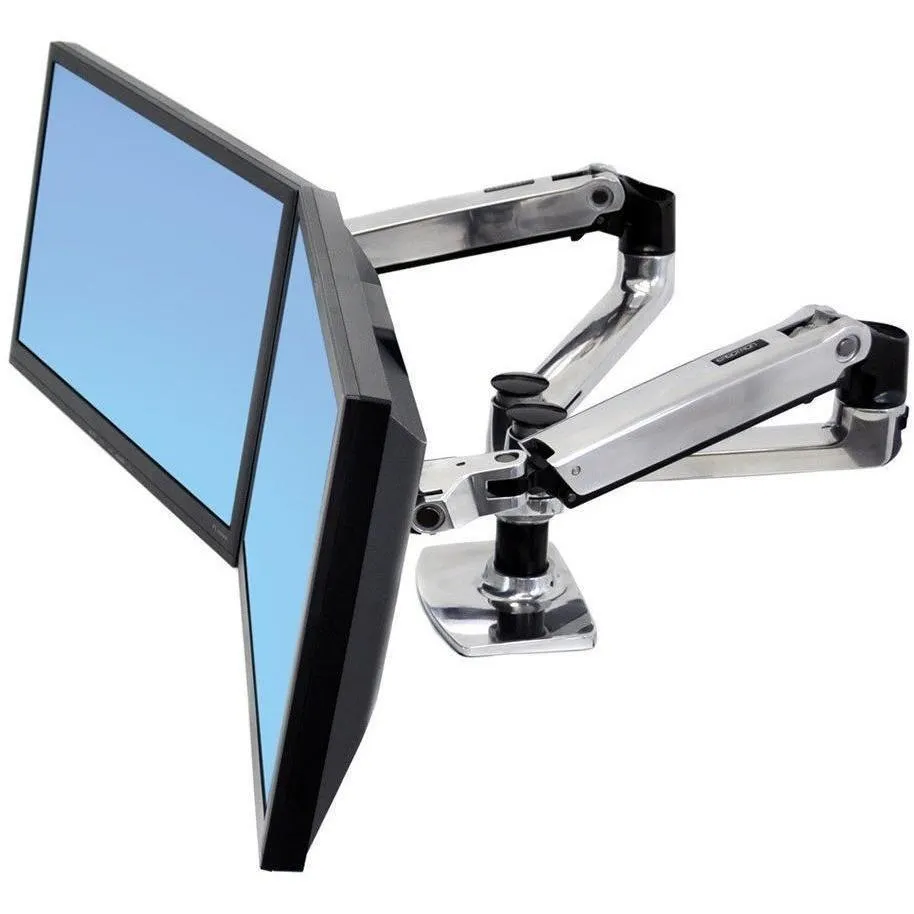
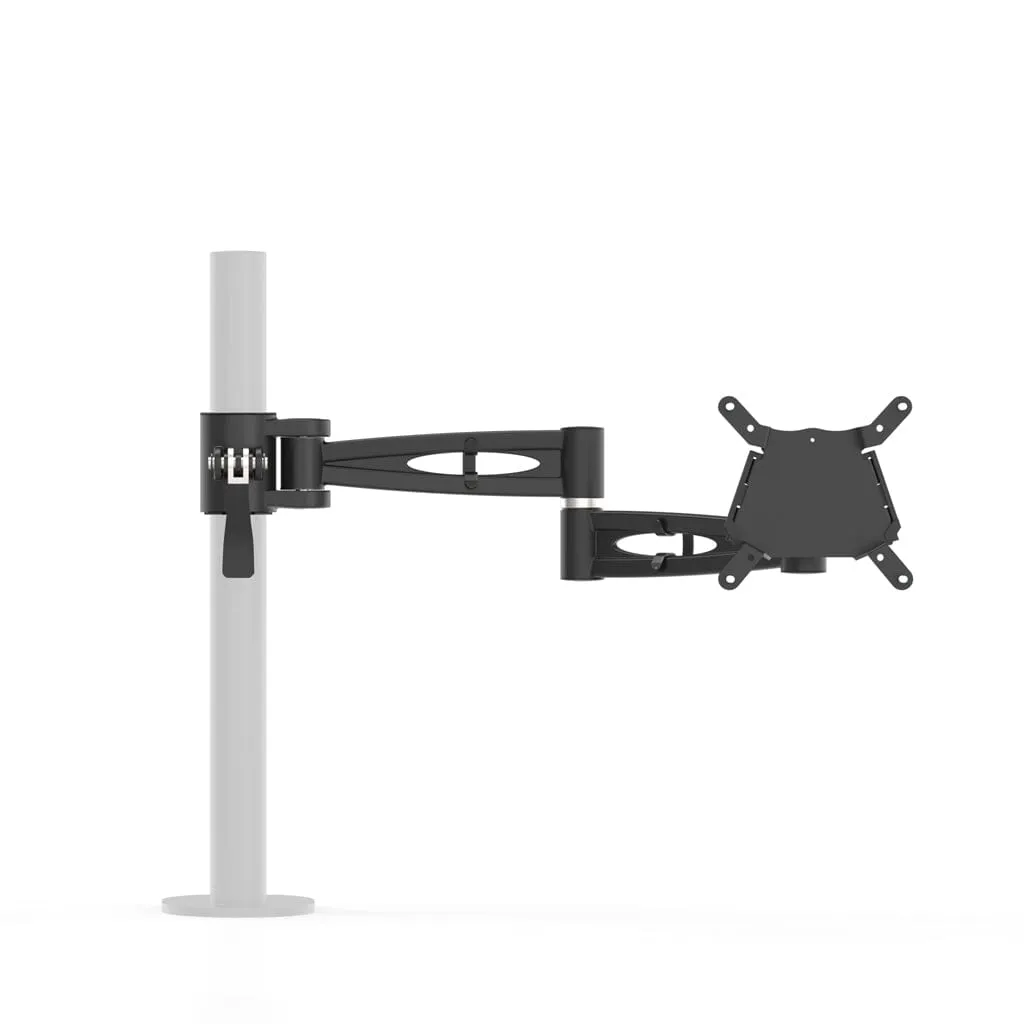


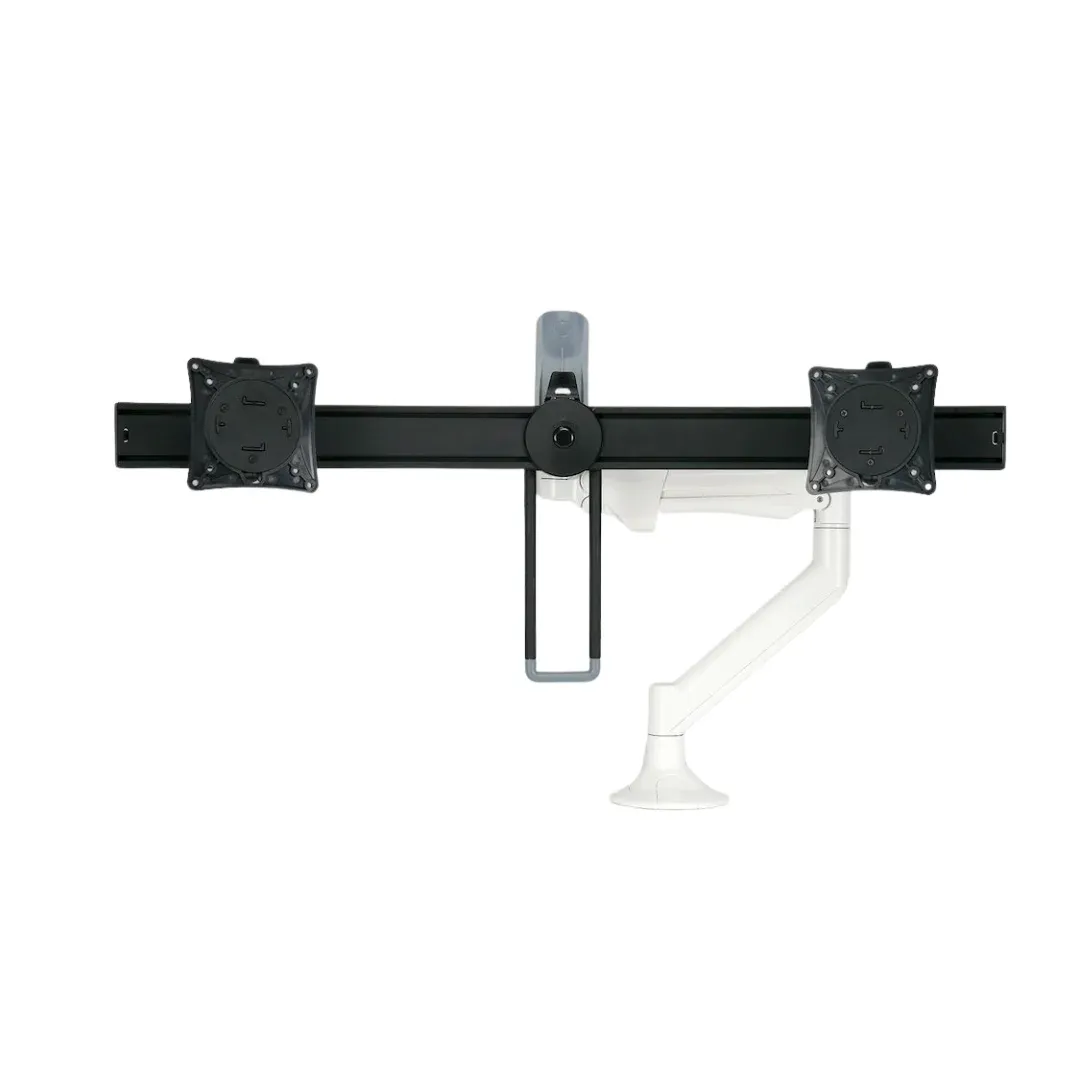
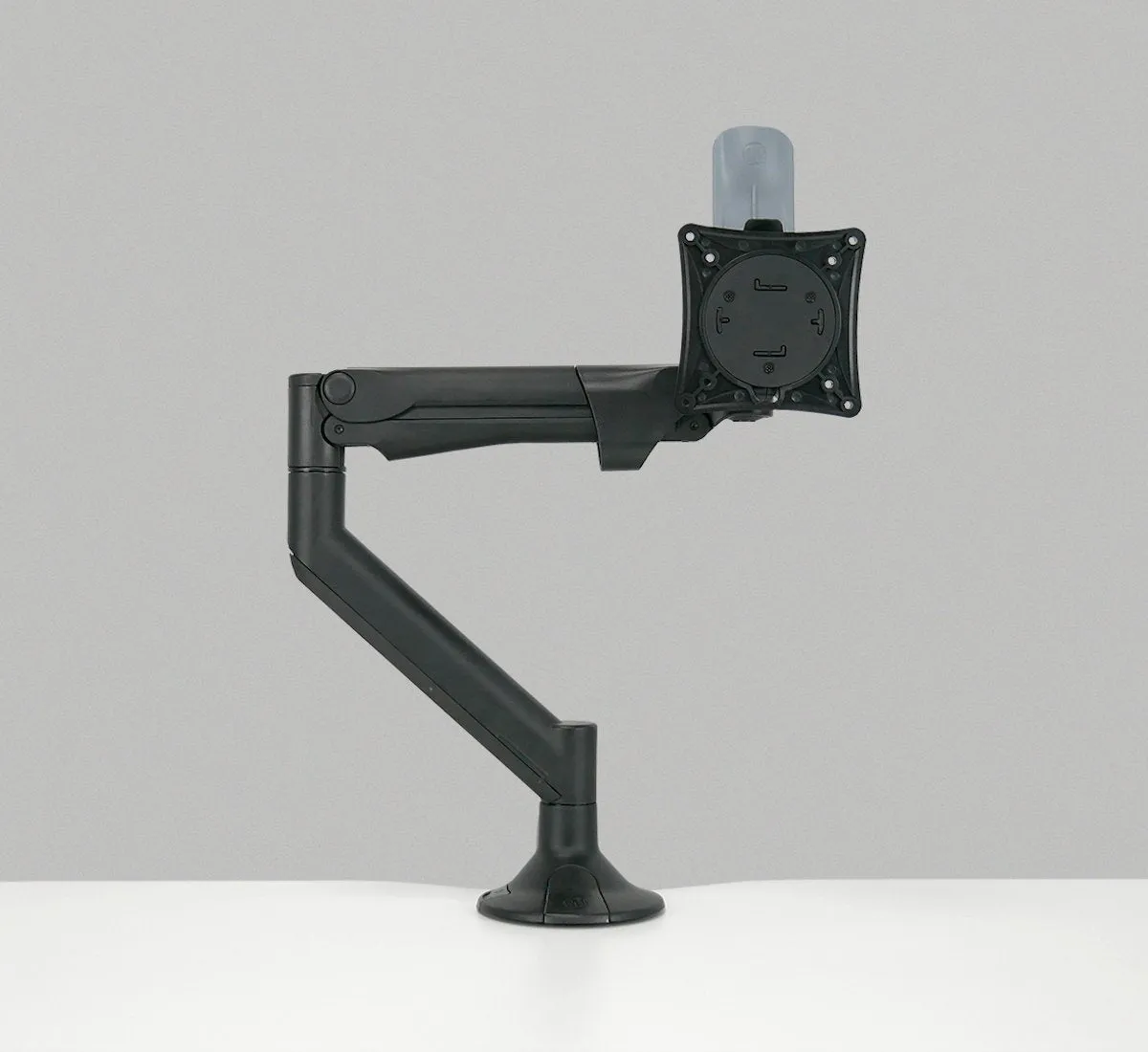
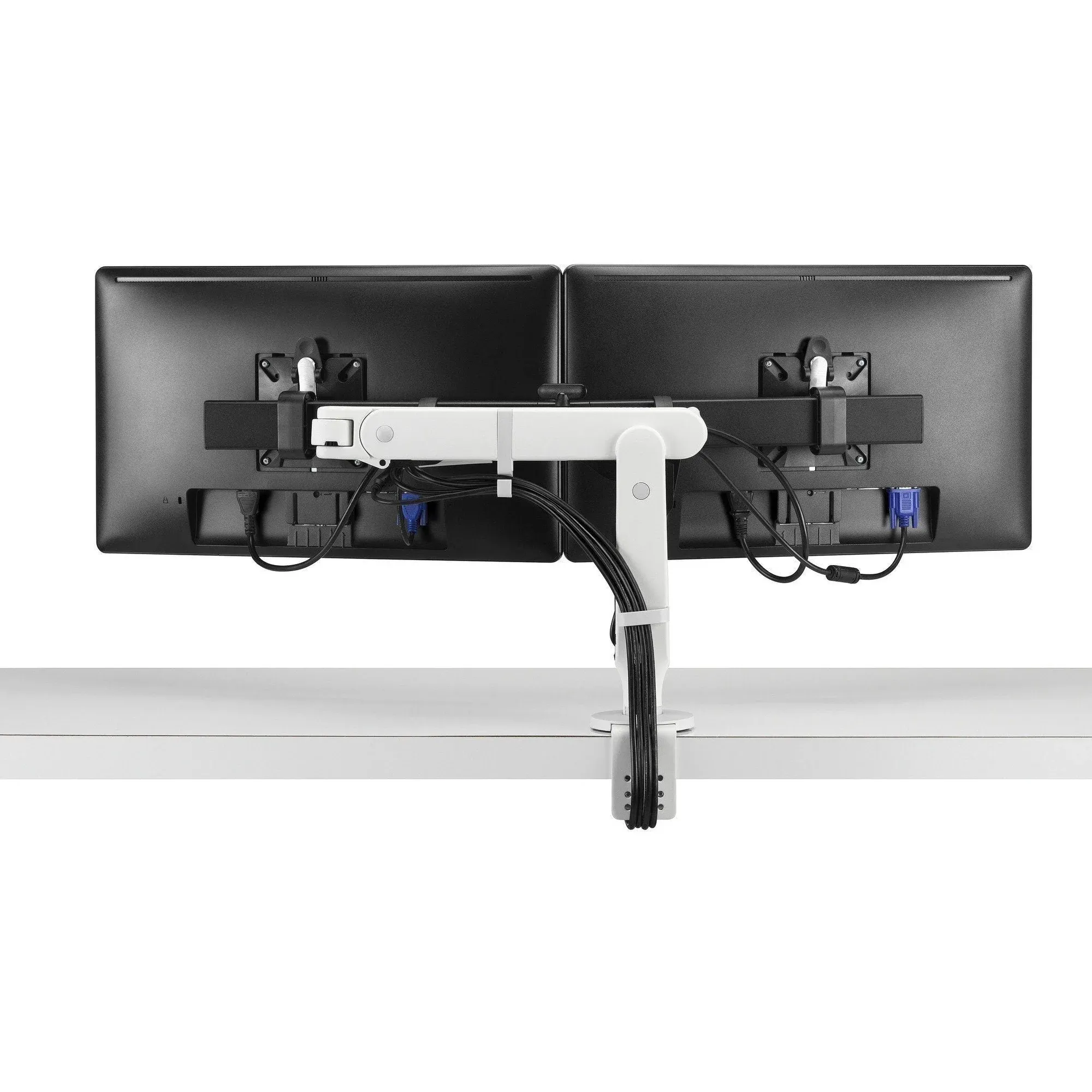
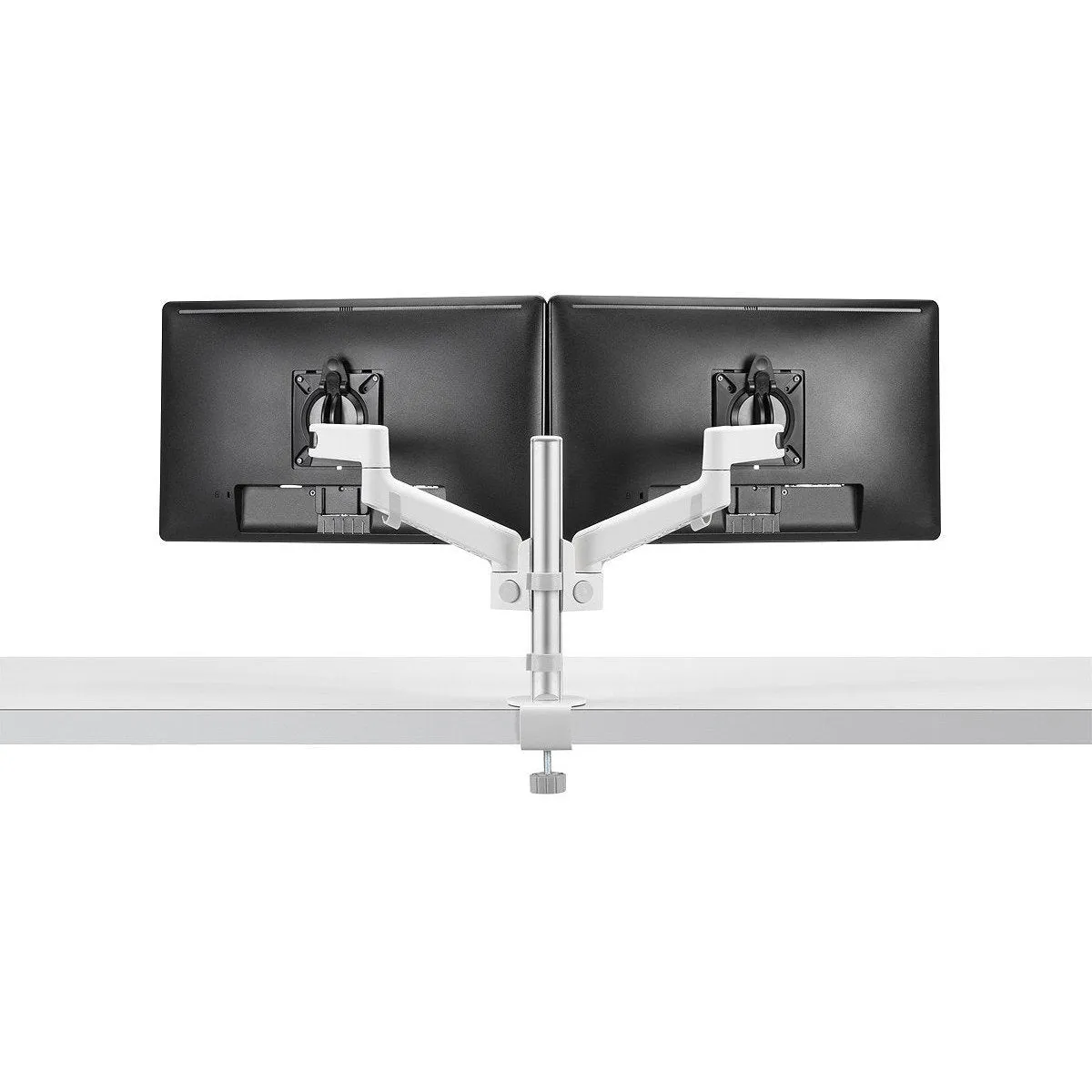
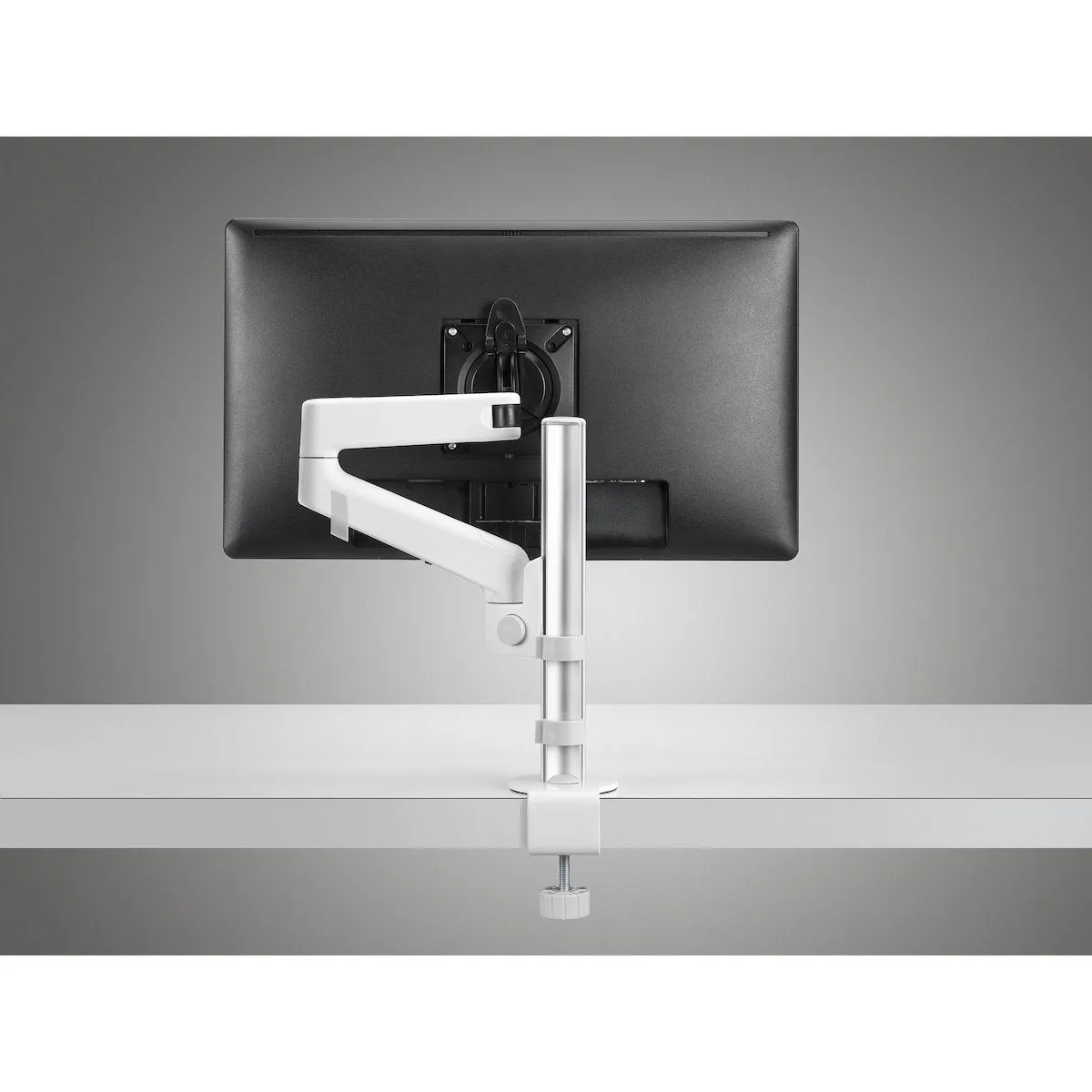
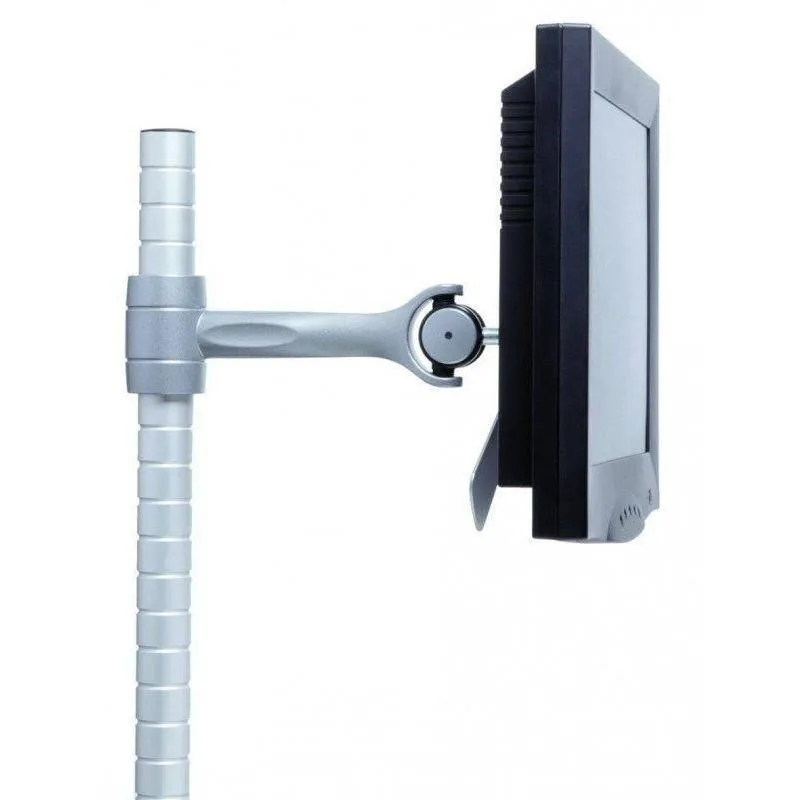
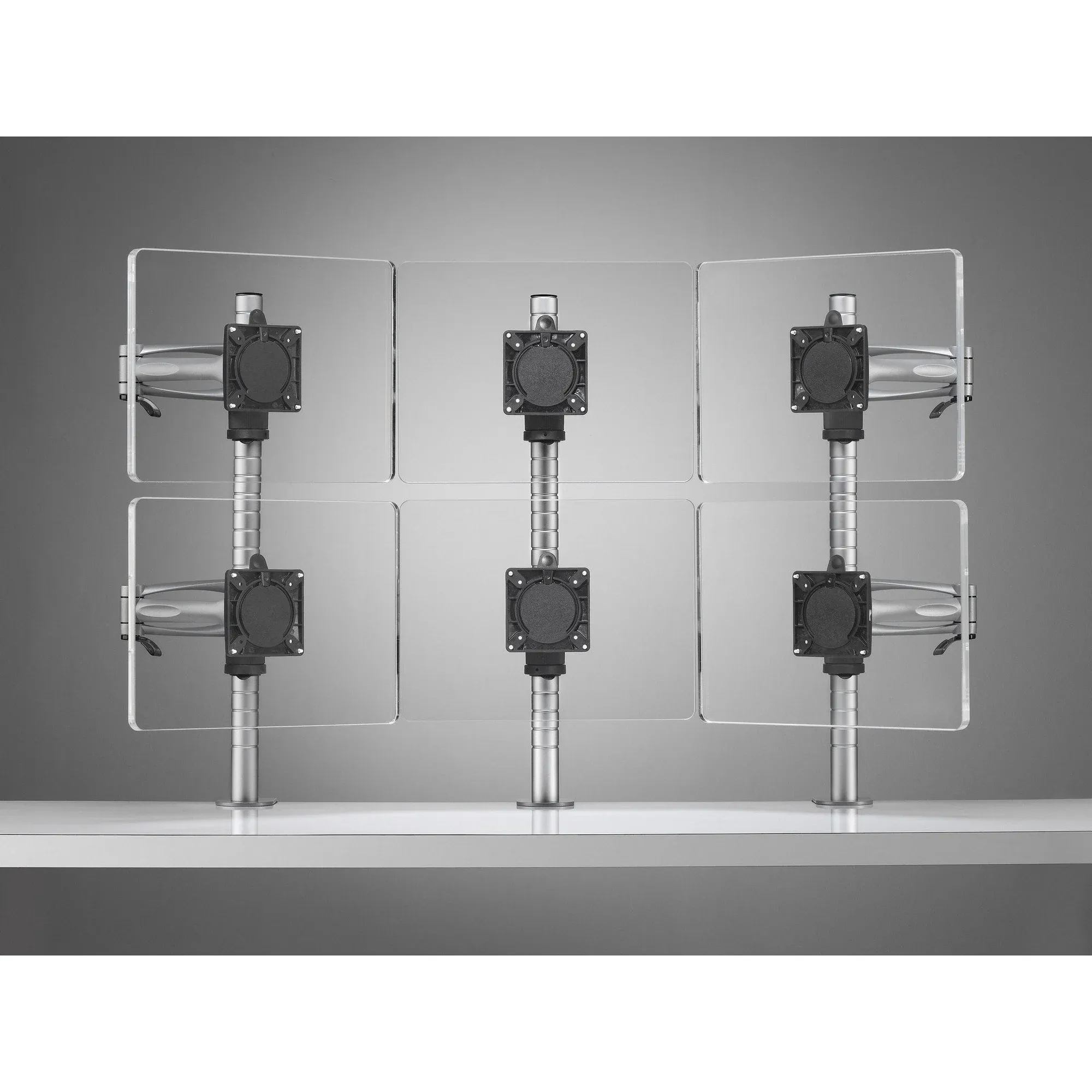
Monitor arms lift your screen off the desk and hold it at the right height, distance and angle. The full collection runs from single dynamic arms to wall channel and freestanding mounts for several displays. A screen at eye level takes strain off the neck and gives back the desk underneath.
How to choose a monitor mount
Match the arm to the screen and the desk before anything else.
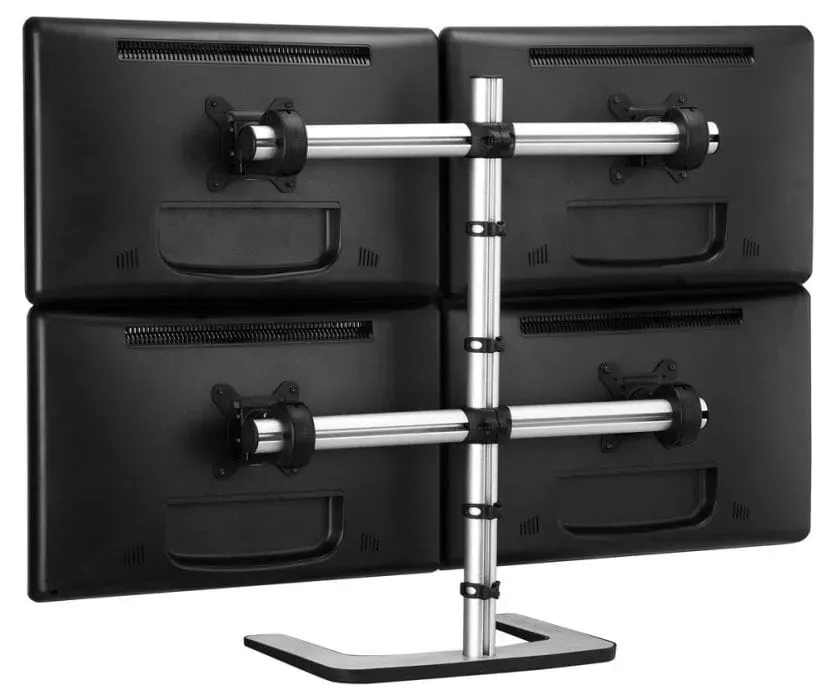
- Count the screens first, because single, dual, triple and quad setups each need a different post and arm.
- Check the desk edge, since clamp fixings, grommet fixings and freestanding feet suit different tops and thicknesses.
- Curved and heavy displays need a heavy duty arm such as the Atdec Ora or a Metalicon Kardo on a pole.
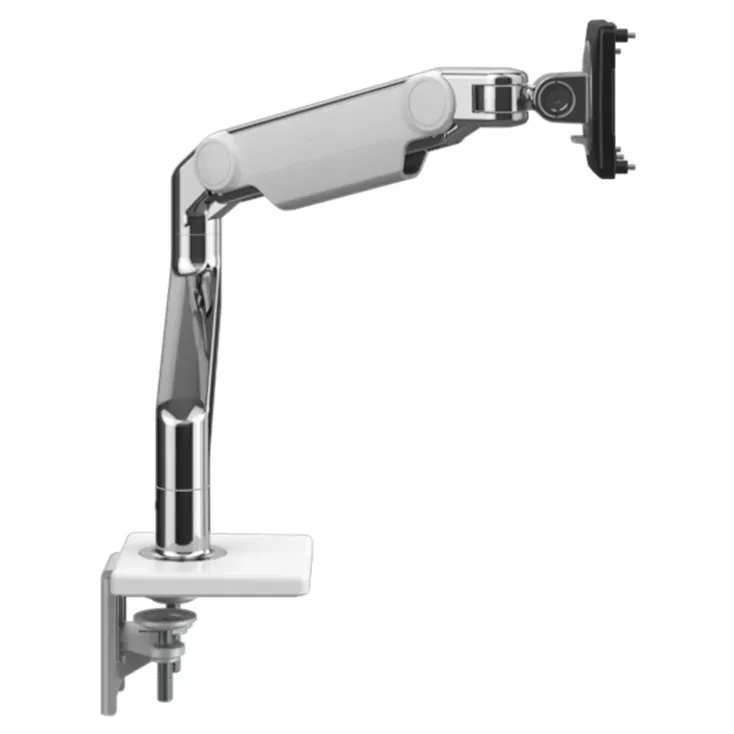
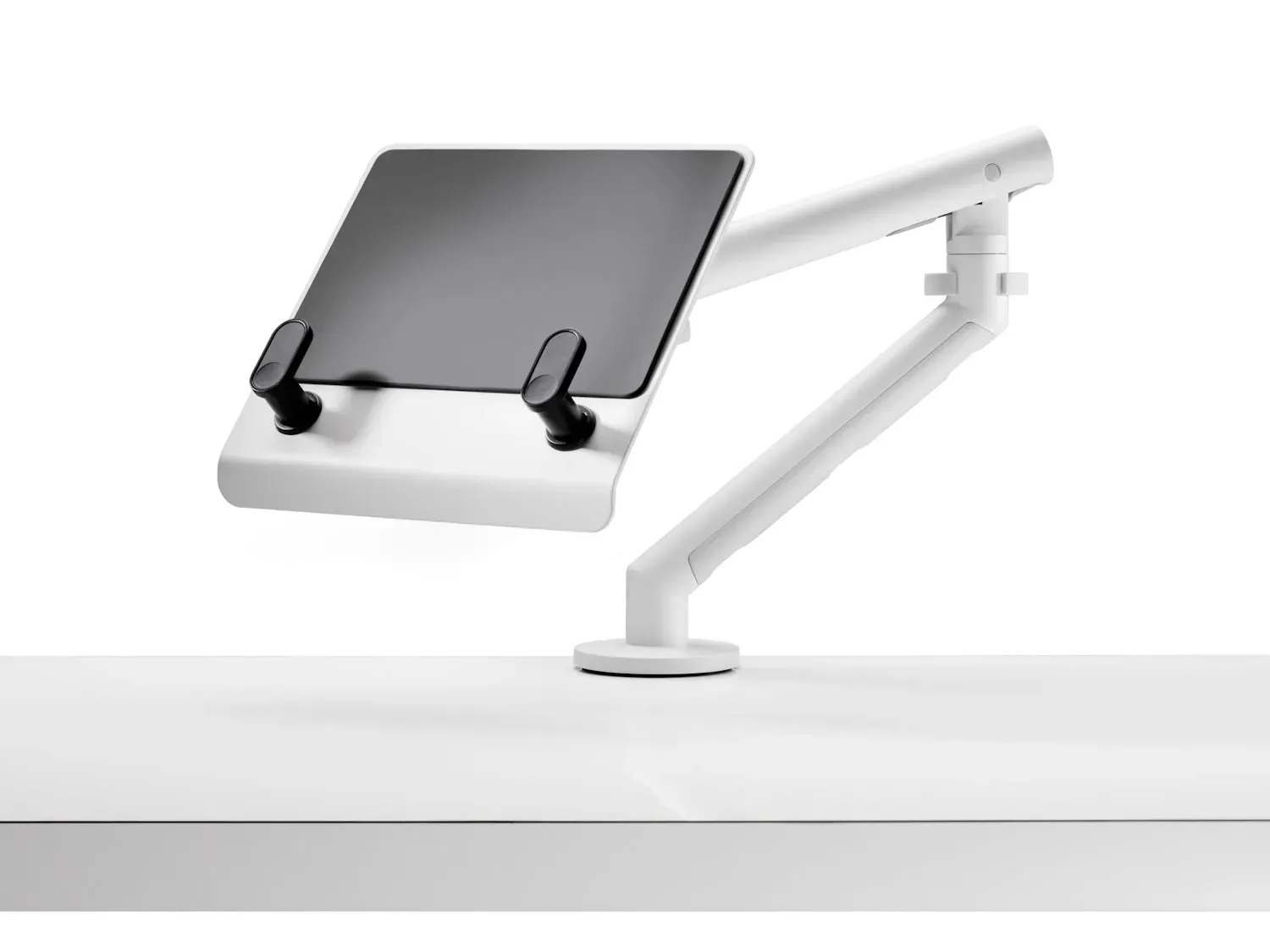
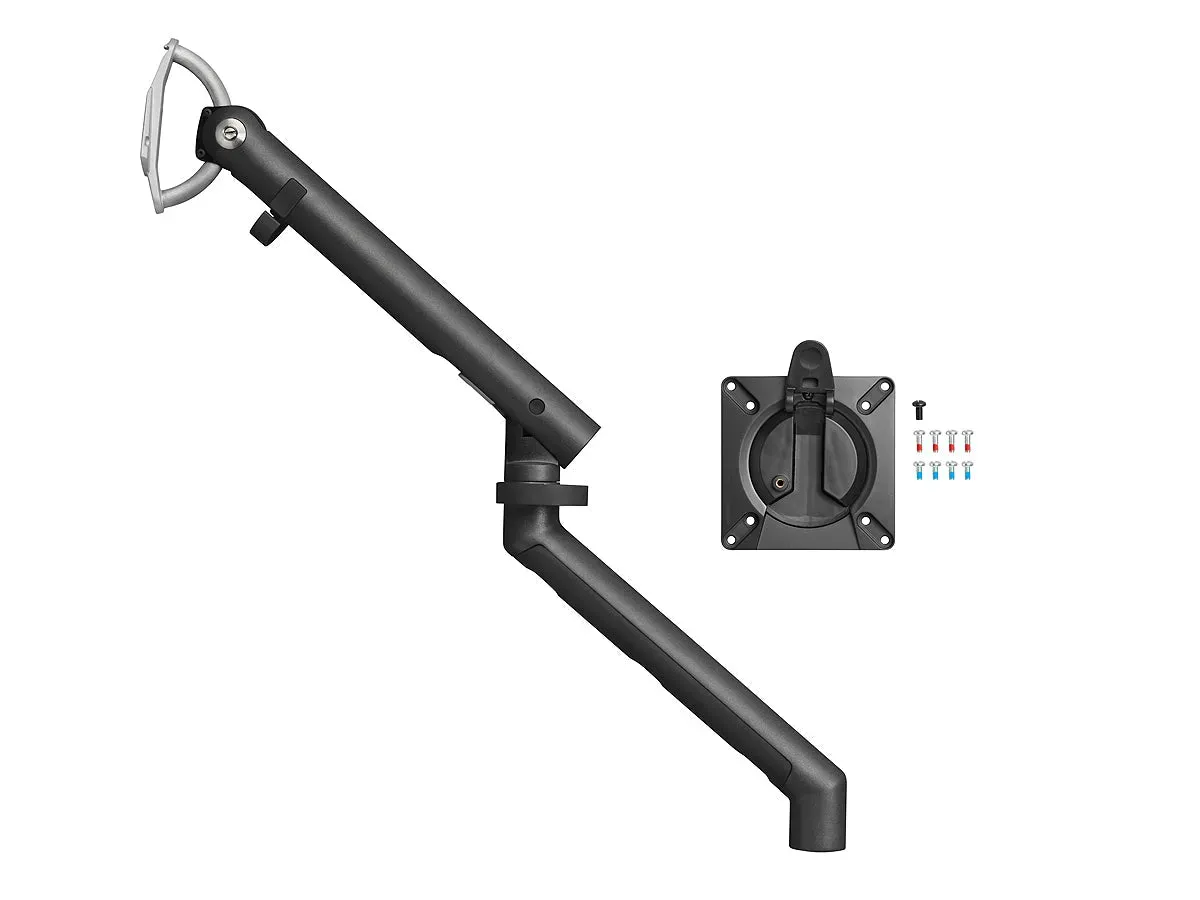
- A gas lift arm like the Metalicon Levo or the Colebrook Bosson Saunders Flo moves with a fingertip, which suits shared desks.
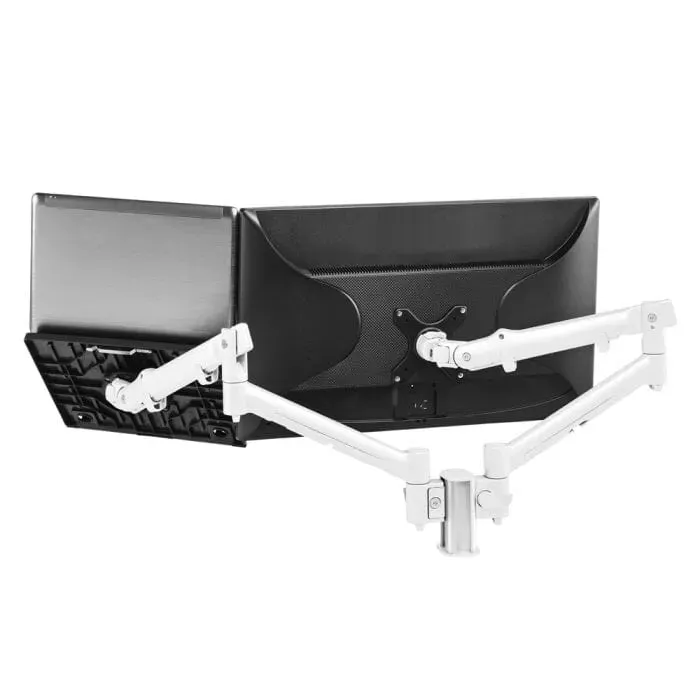
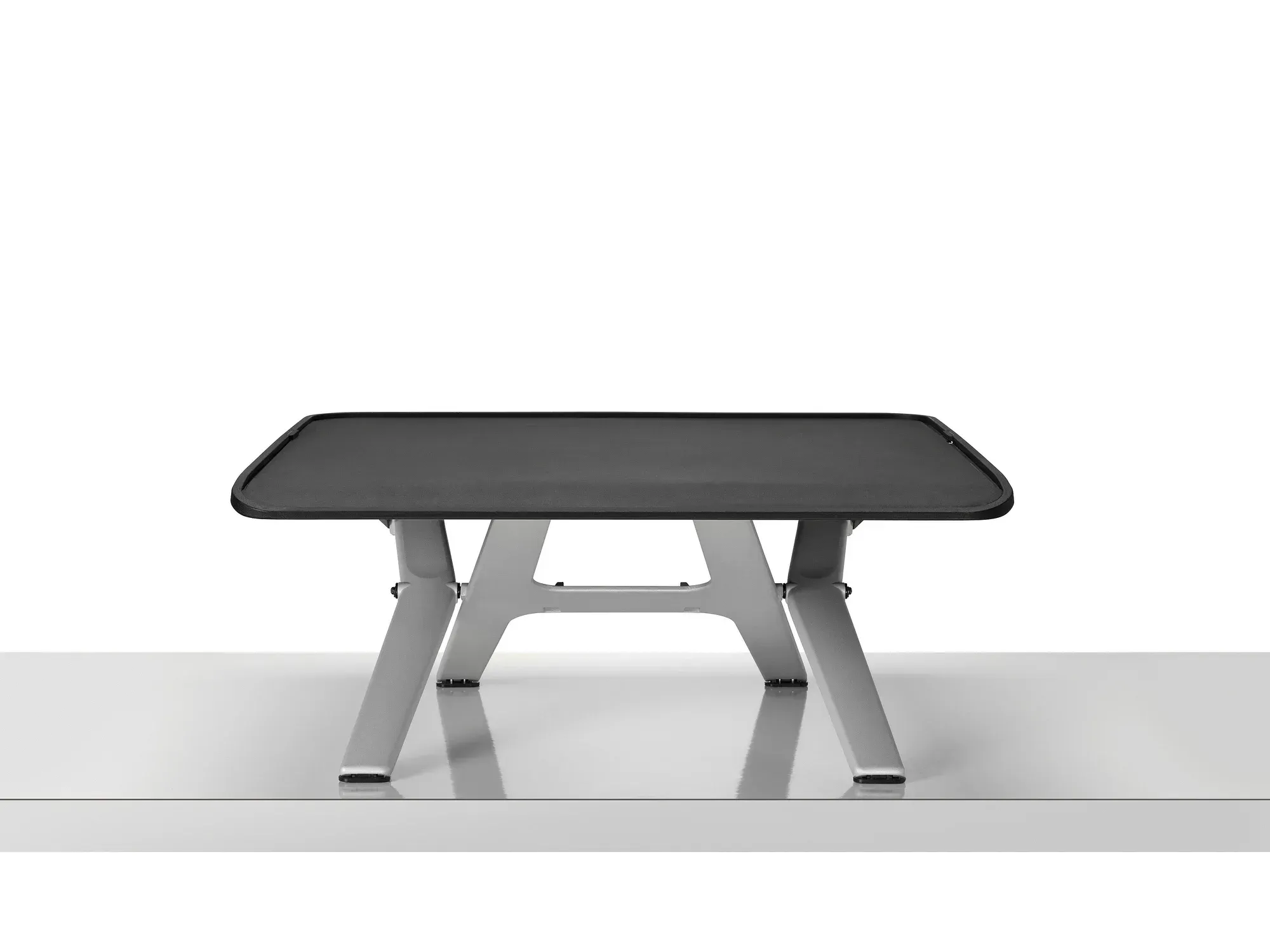
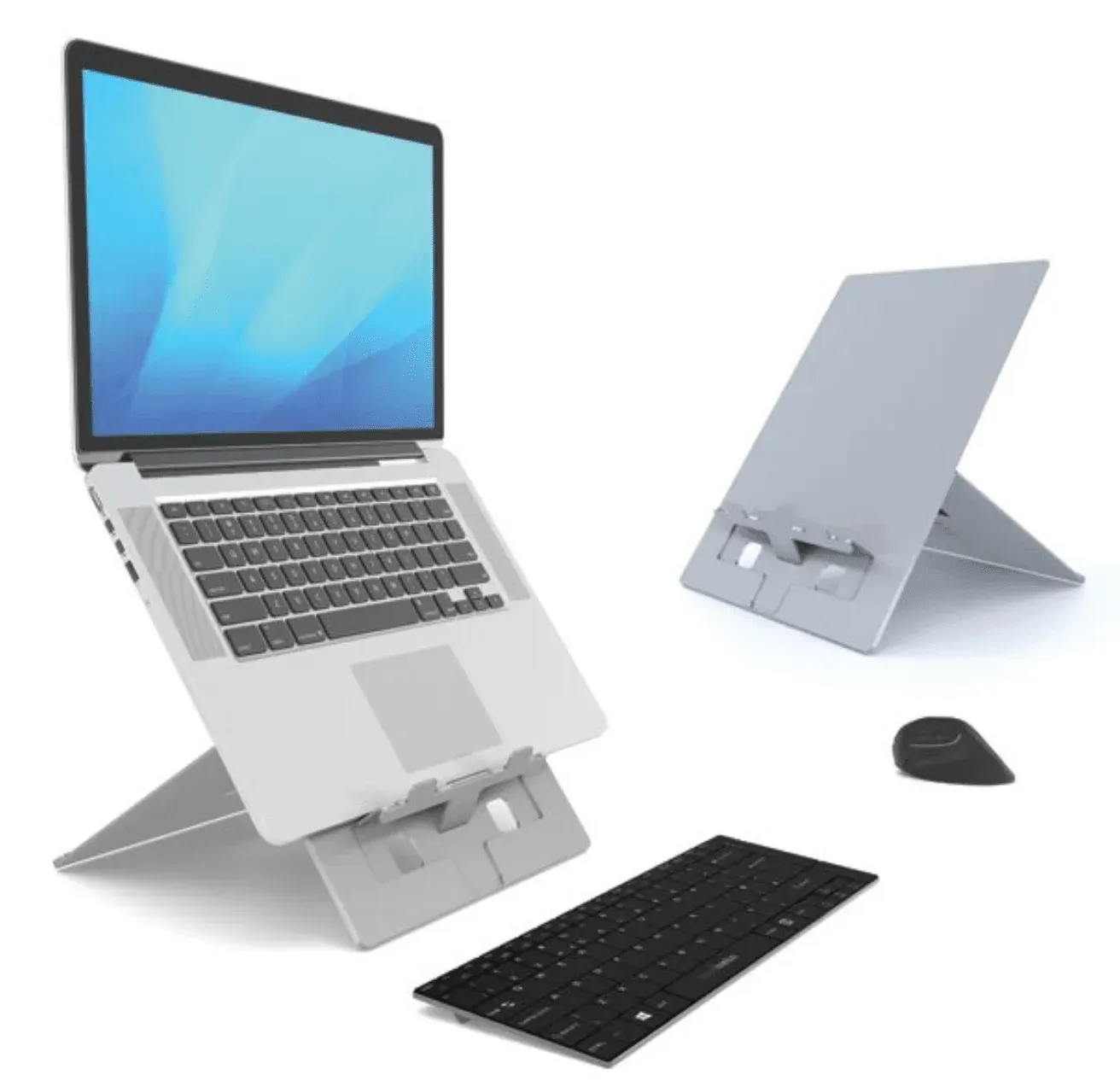
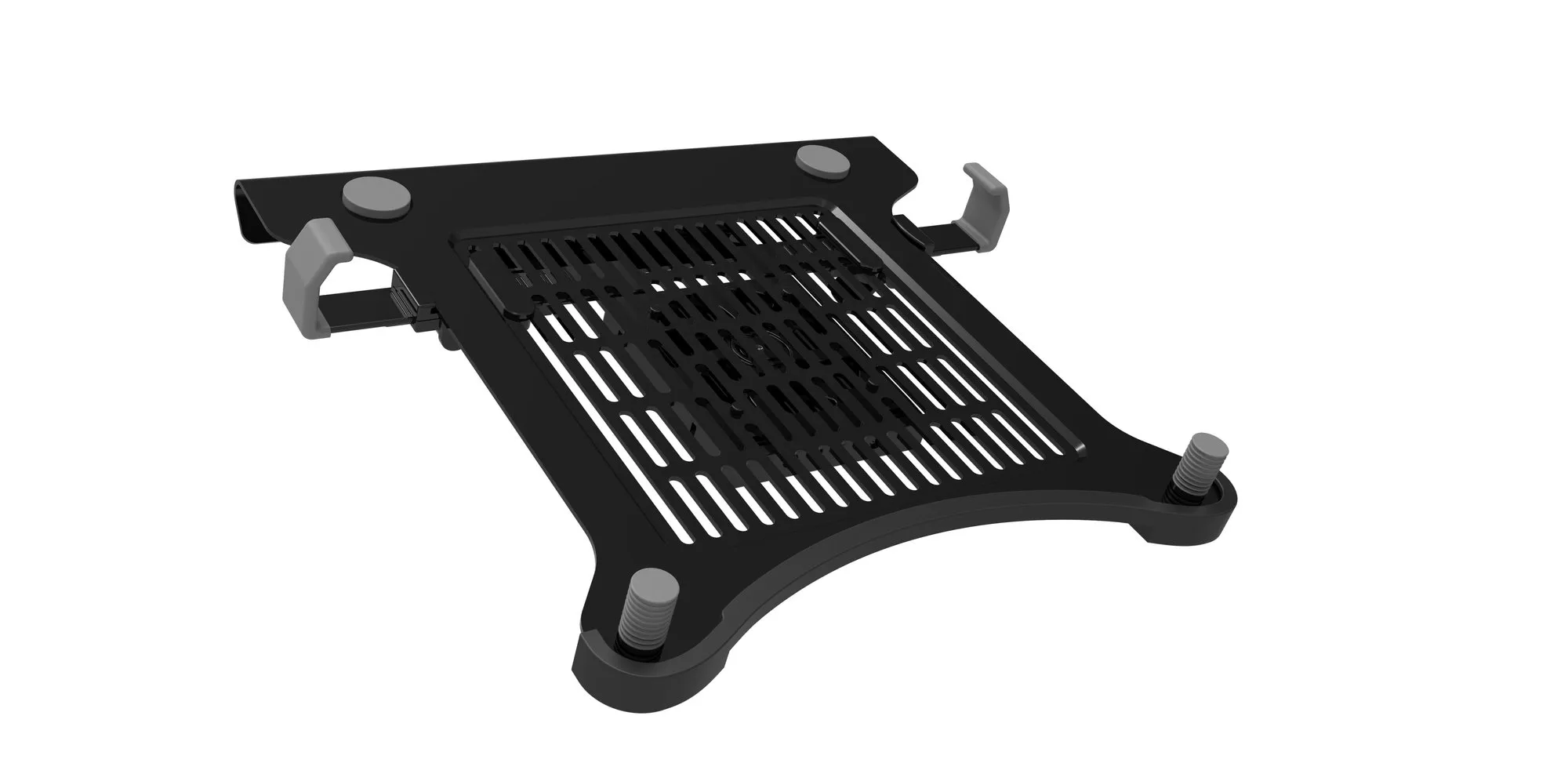
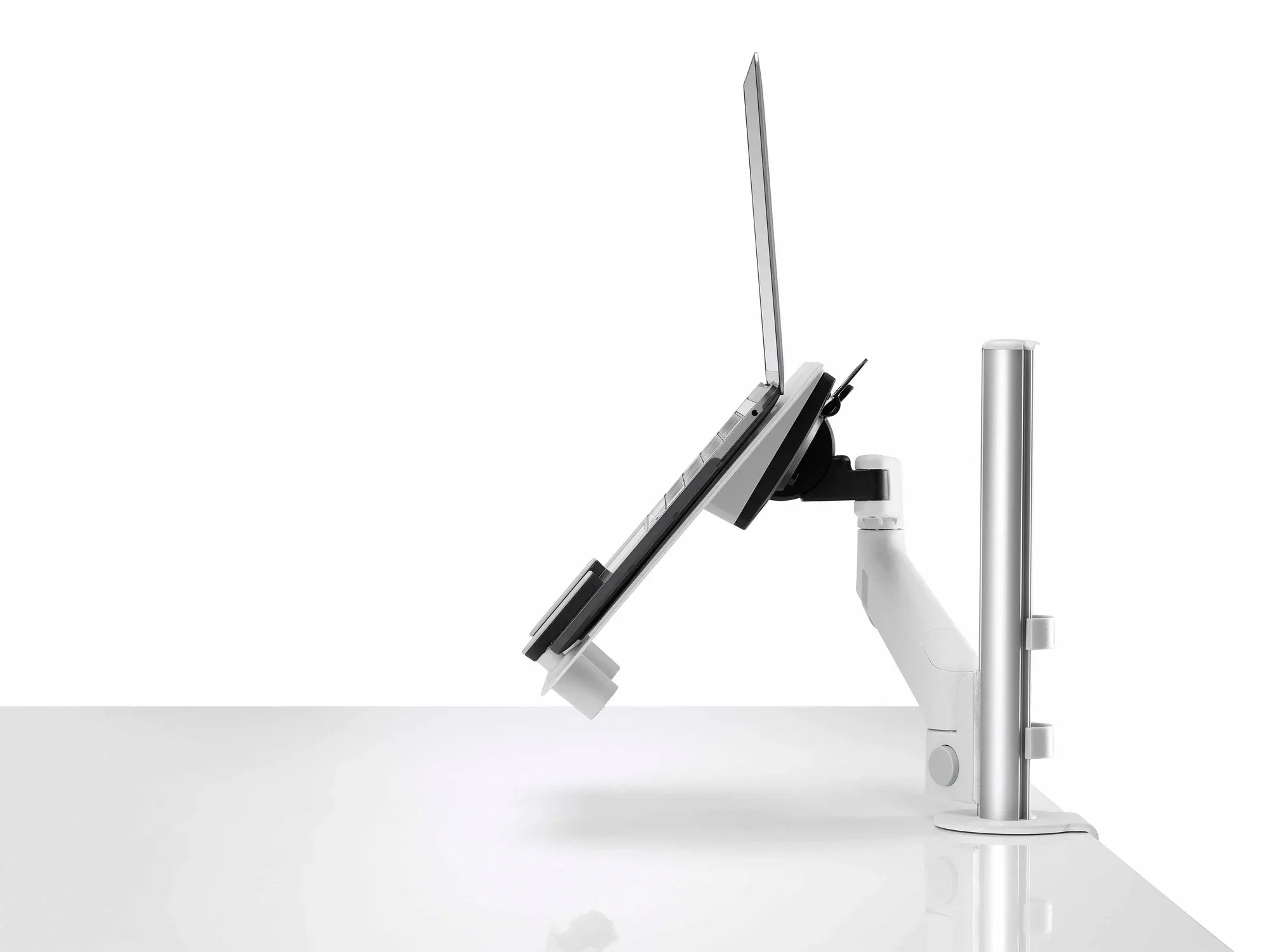
- If a laptop sits beside the screen, a notebook combo mount or laptop cradle lifts both to eye level.
For workplaces, specifiers and home desks
Facilities and IT teams usually standardise on one arm, often a CBS Flo, and ask for a quantity quote. Designers will find white options in the Atdec range for lighter schemes. A home worker usually wants a single Sourcetec Zed or Move to raise one screen.
Delivery covers the UK mainland direct from the manufacturer. Send project details via trade and quotes, or narrow the choice to single monitor arms.