
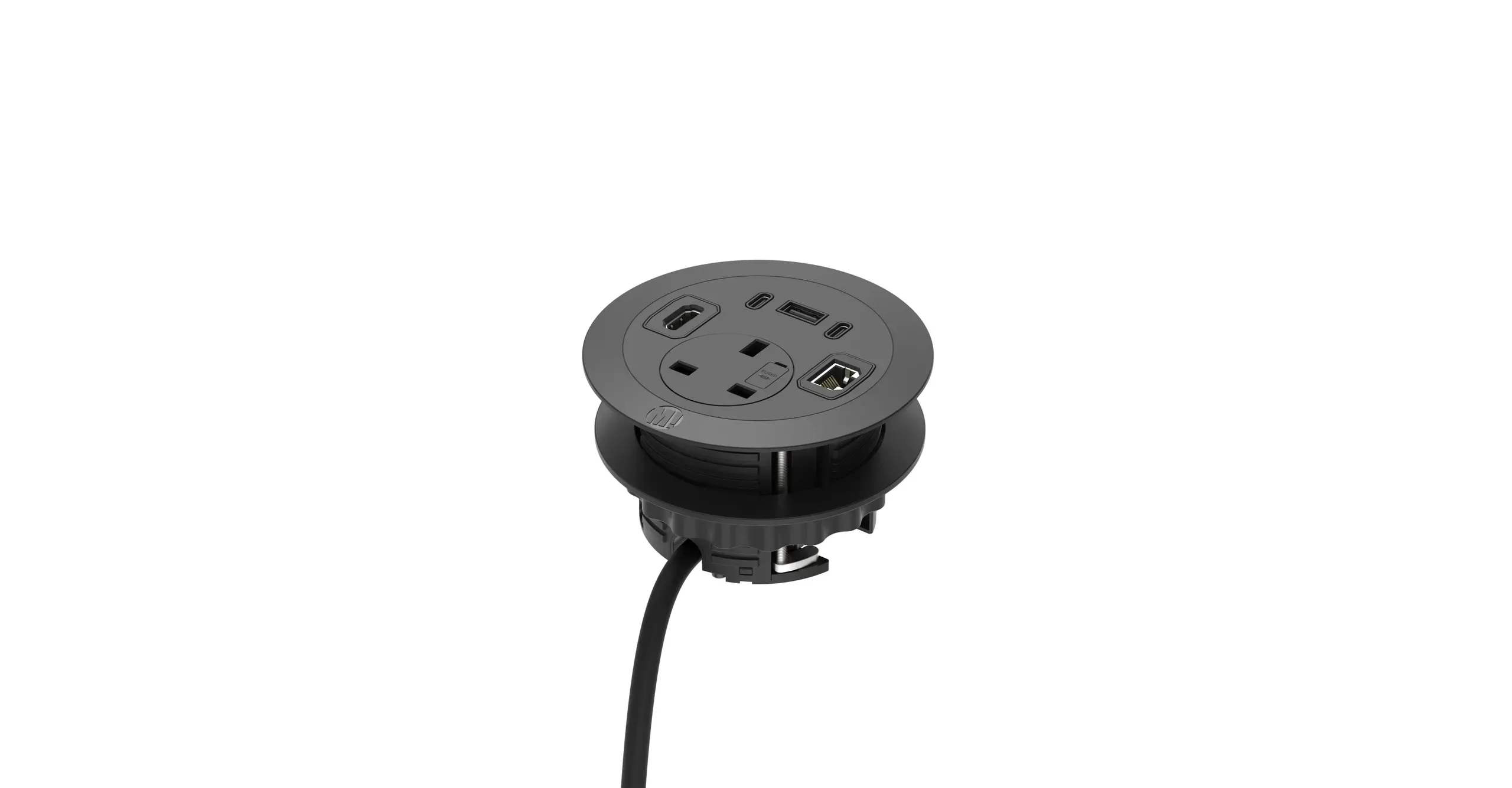
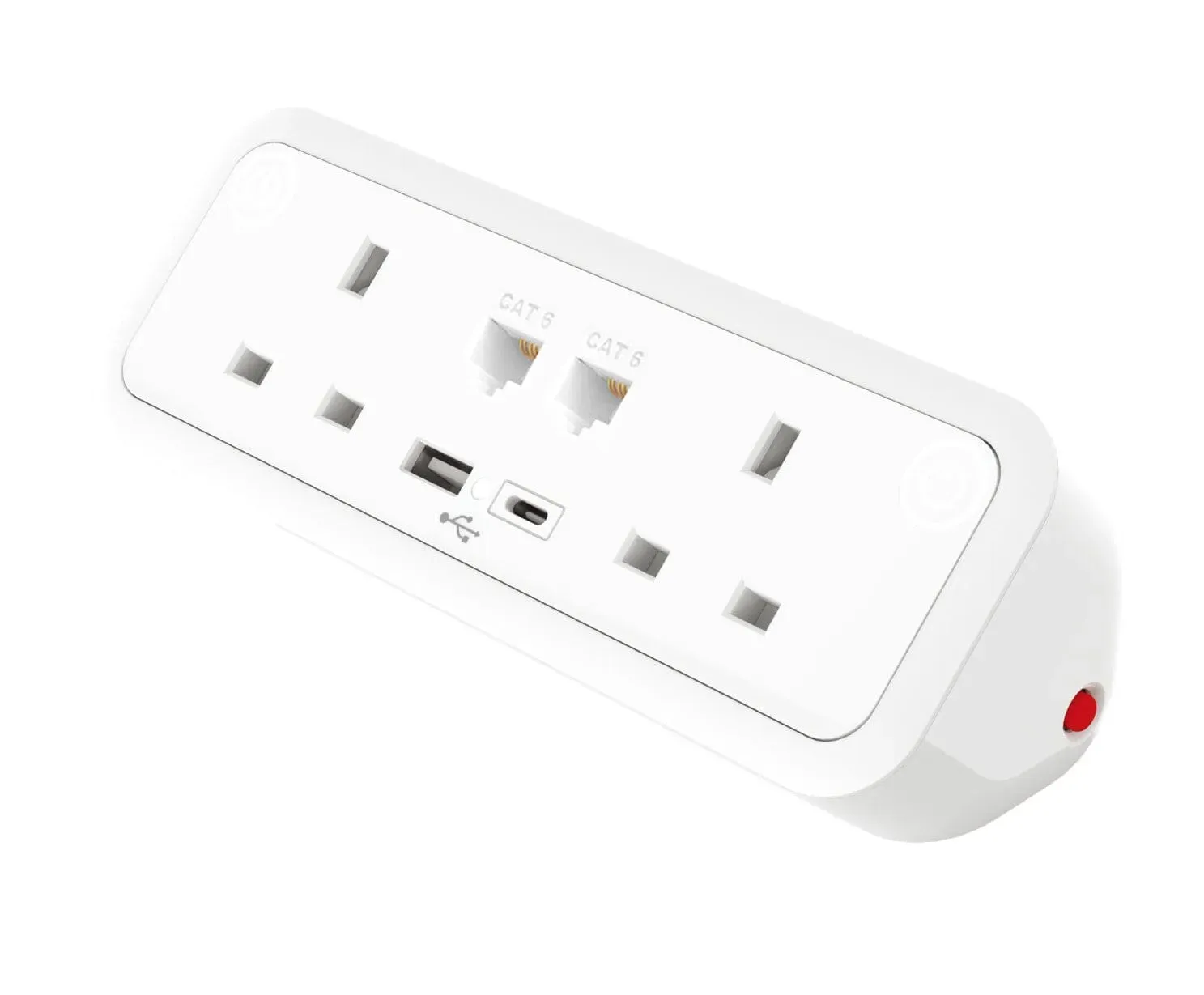
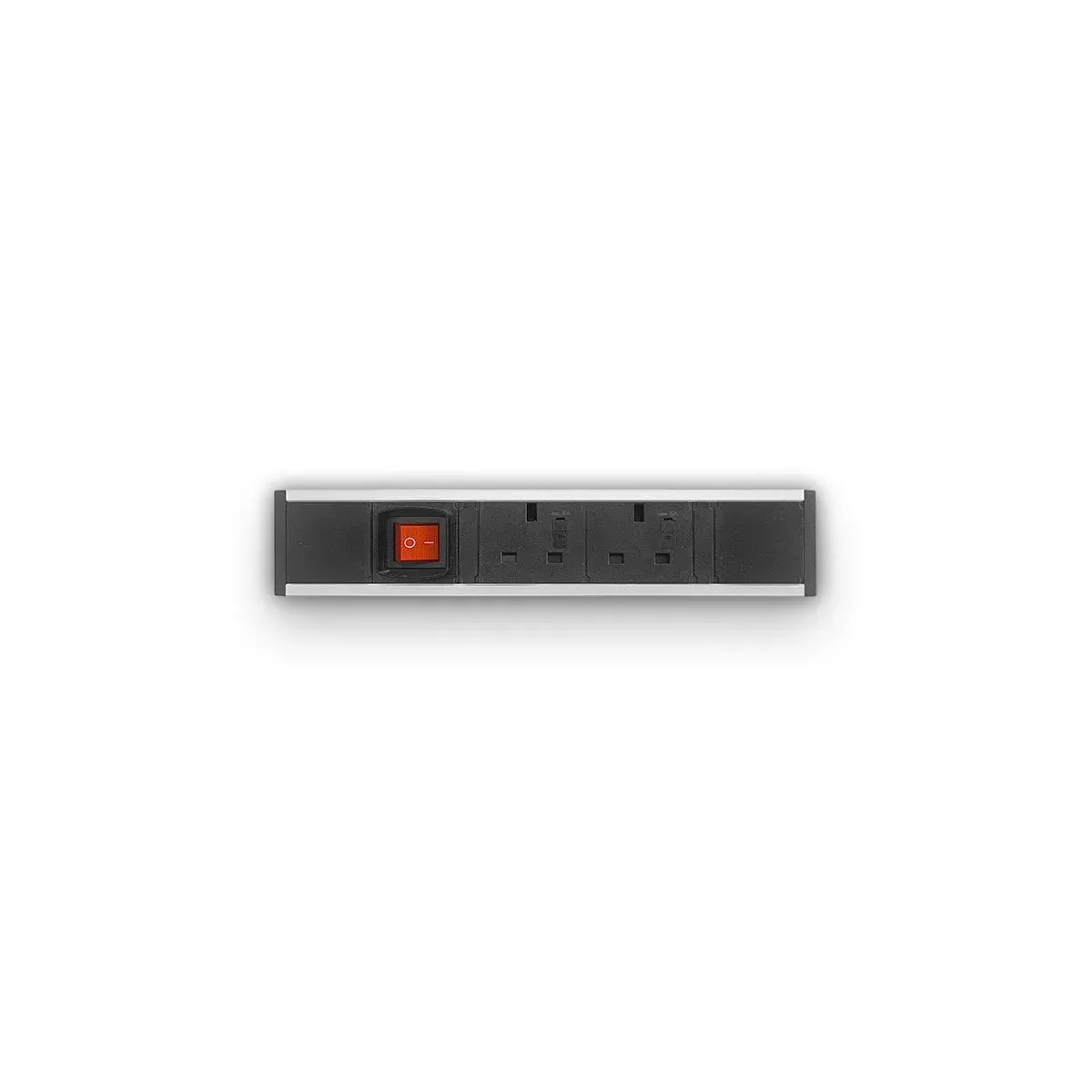
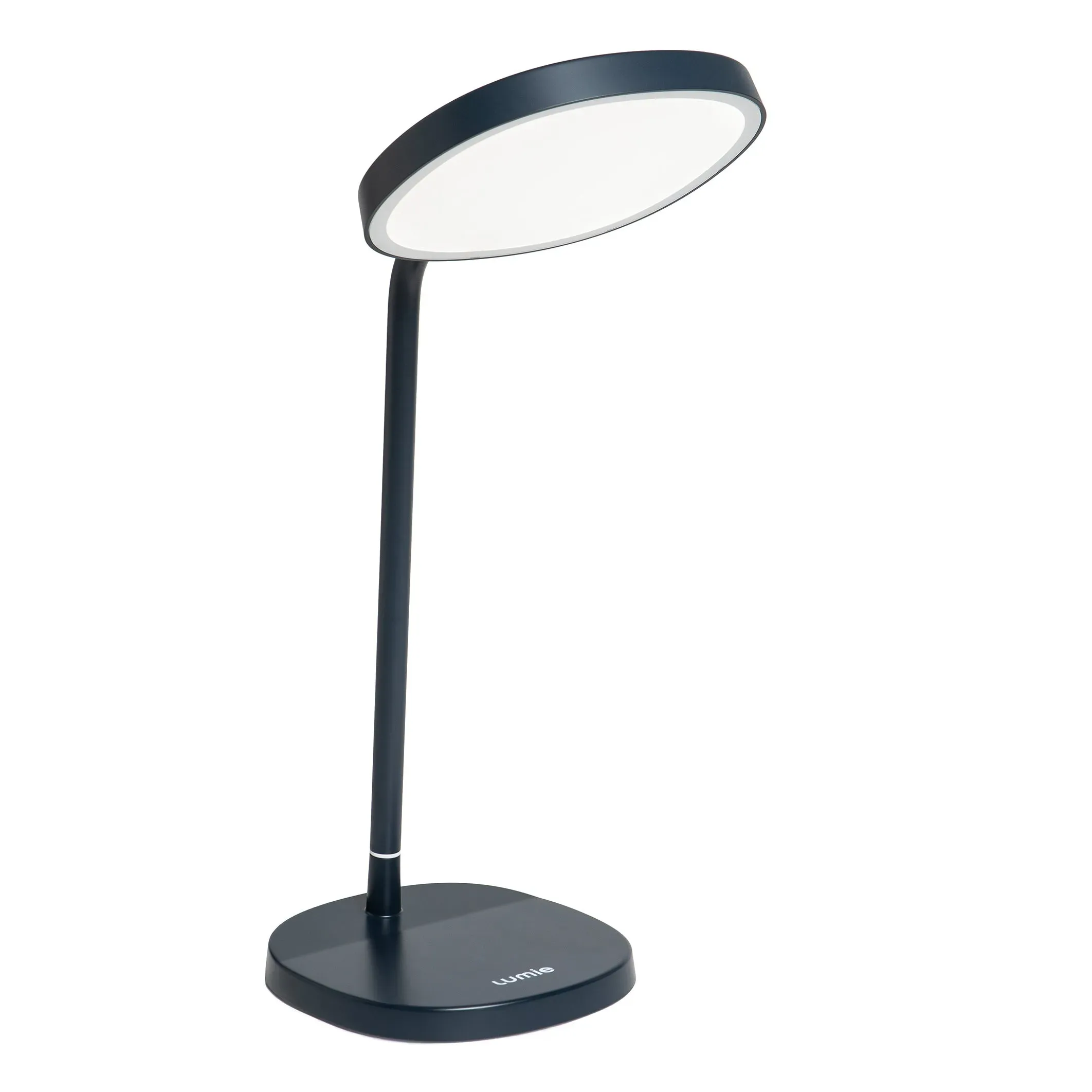
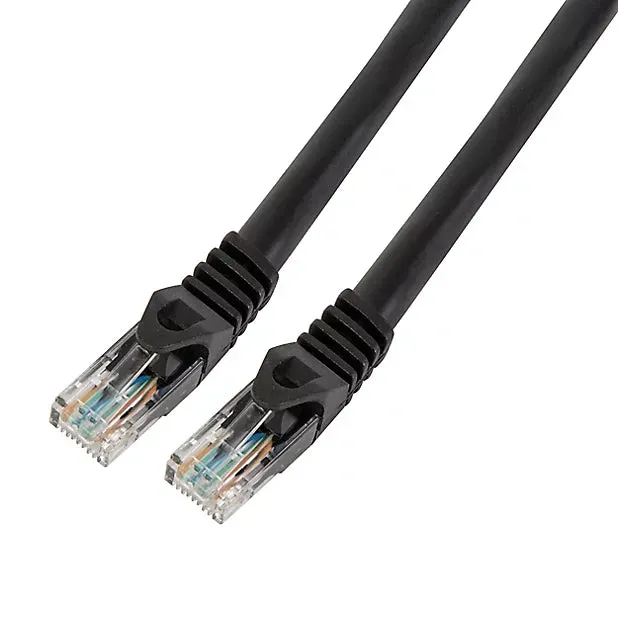
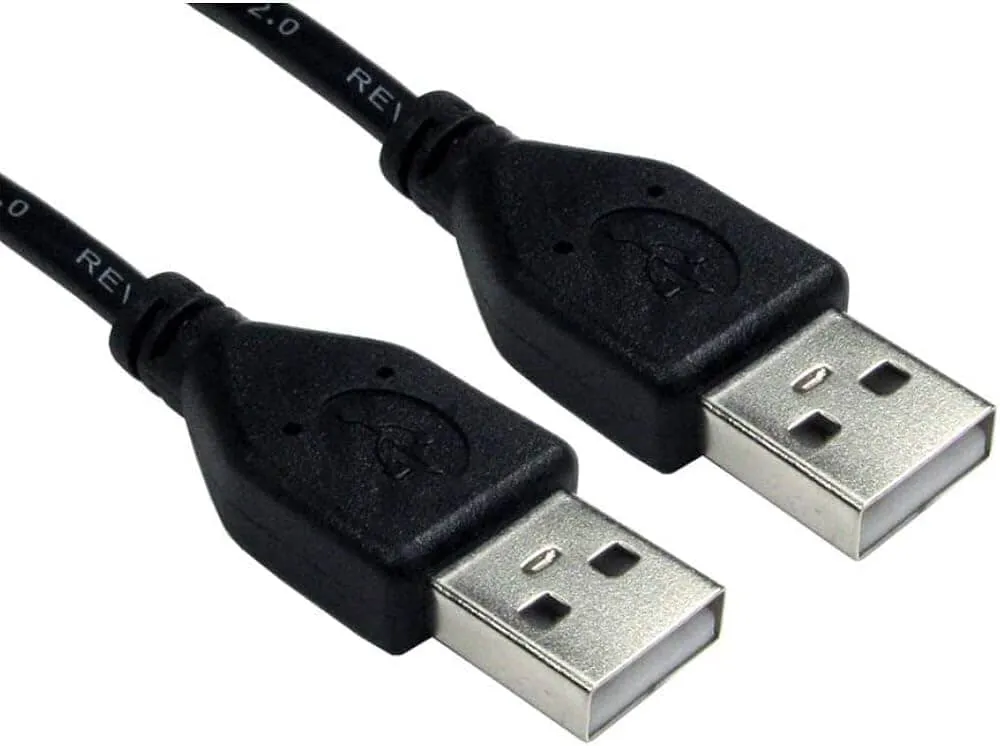
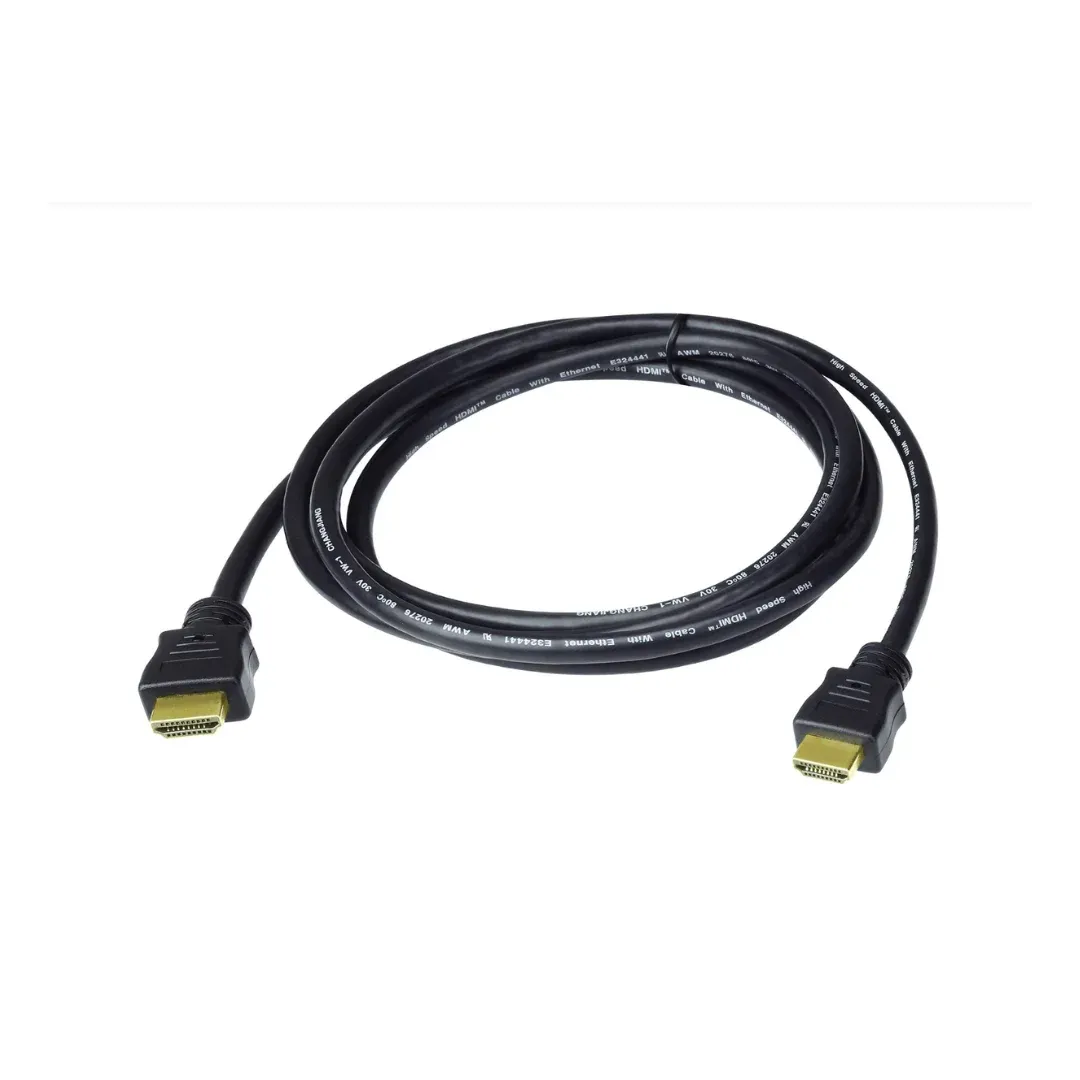
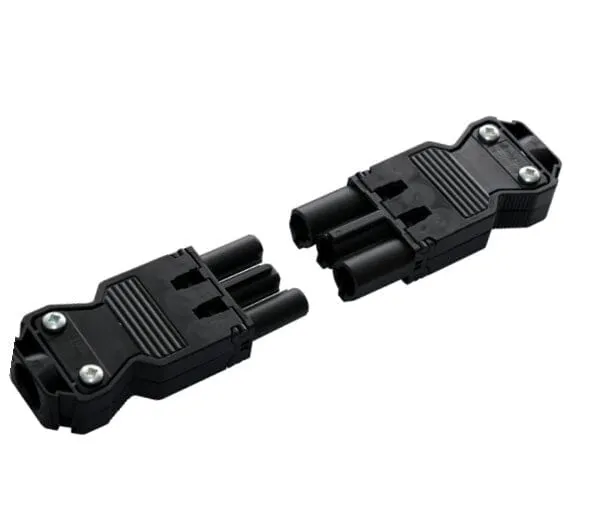
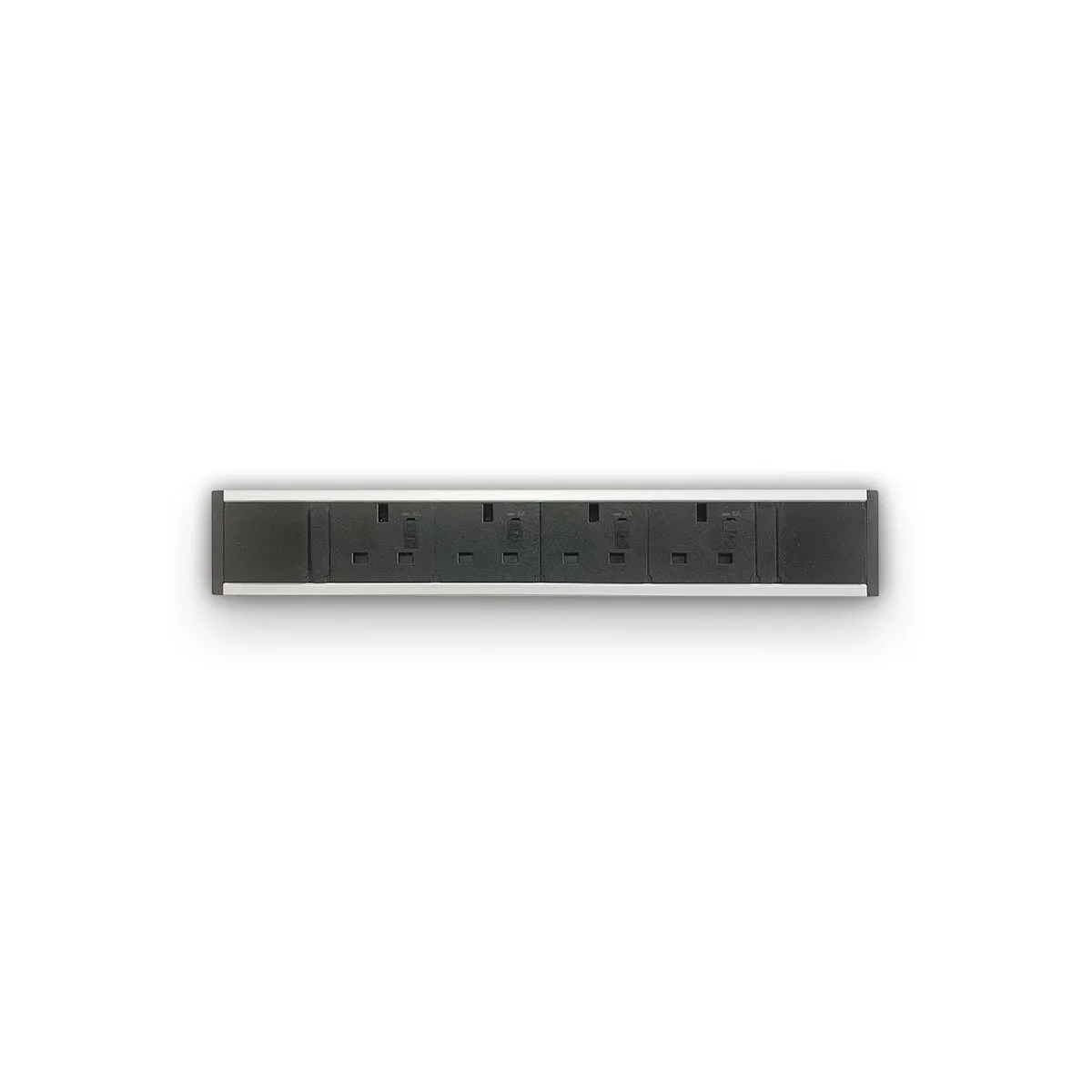
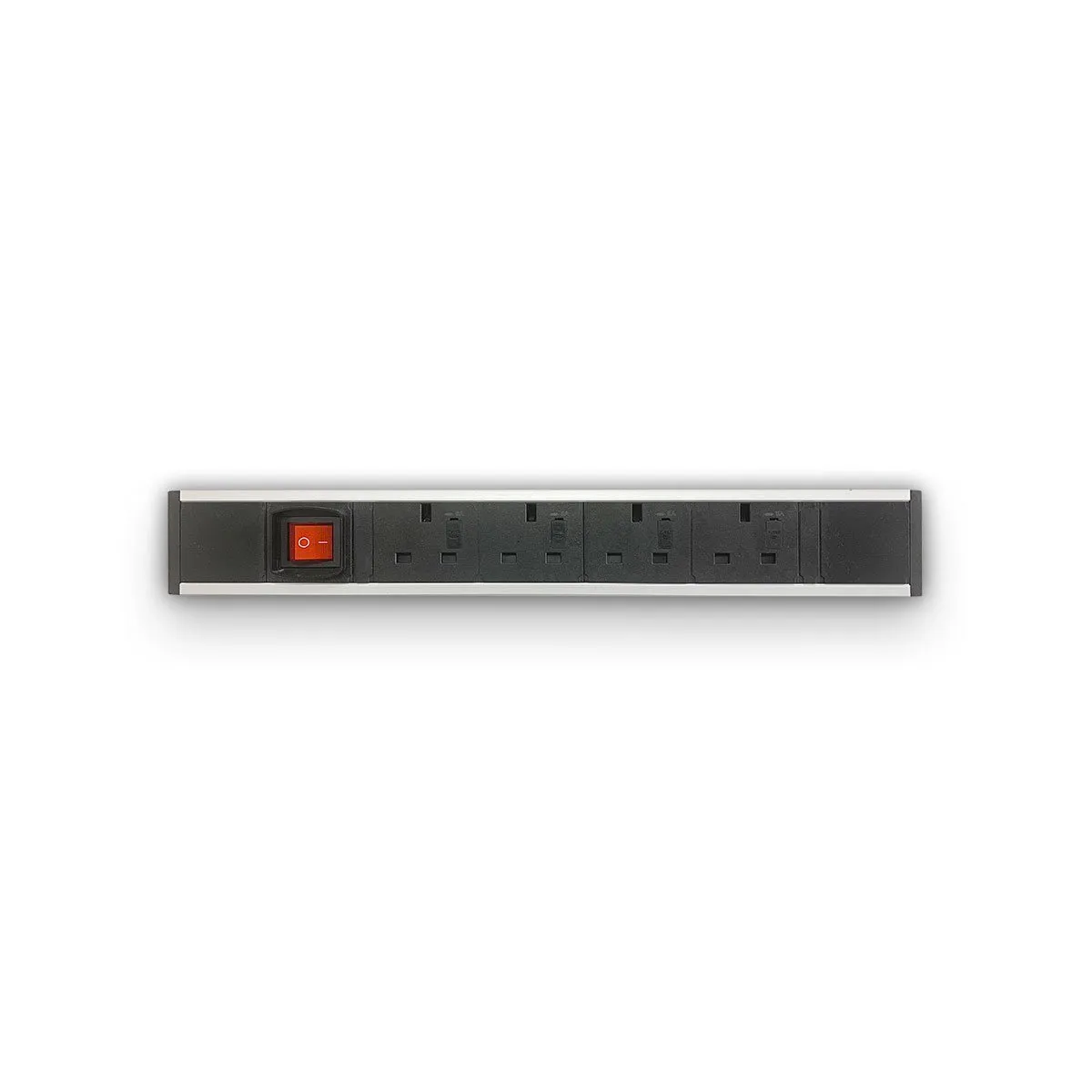
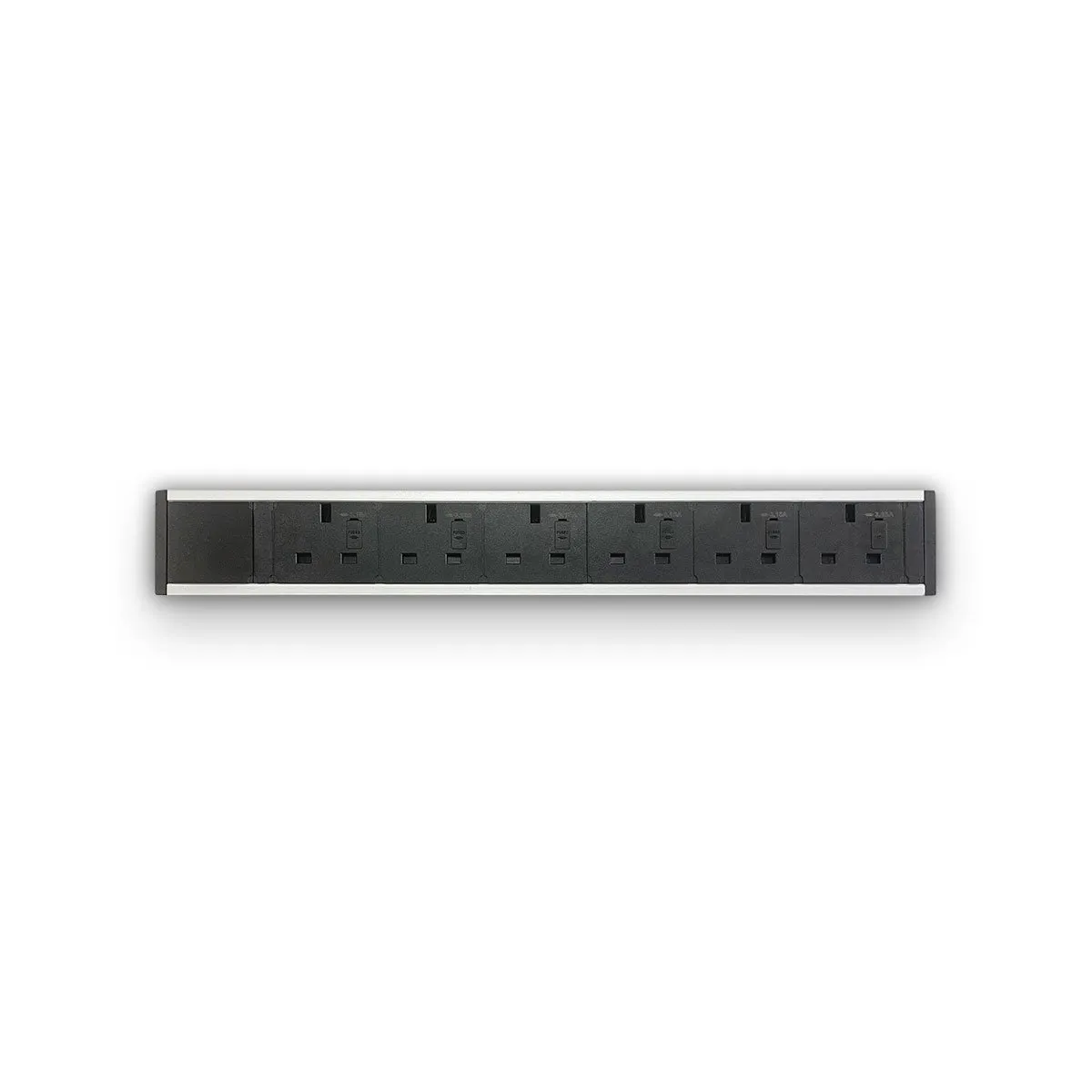
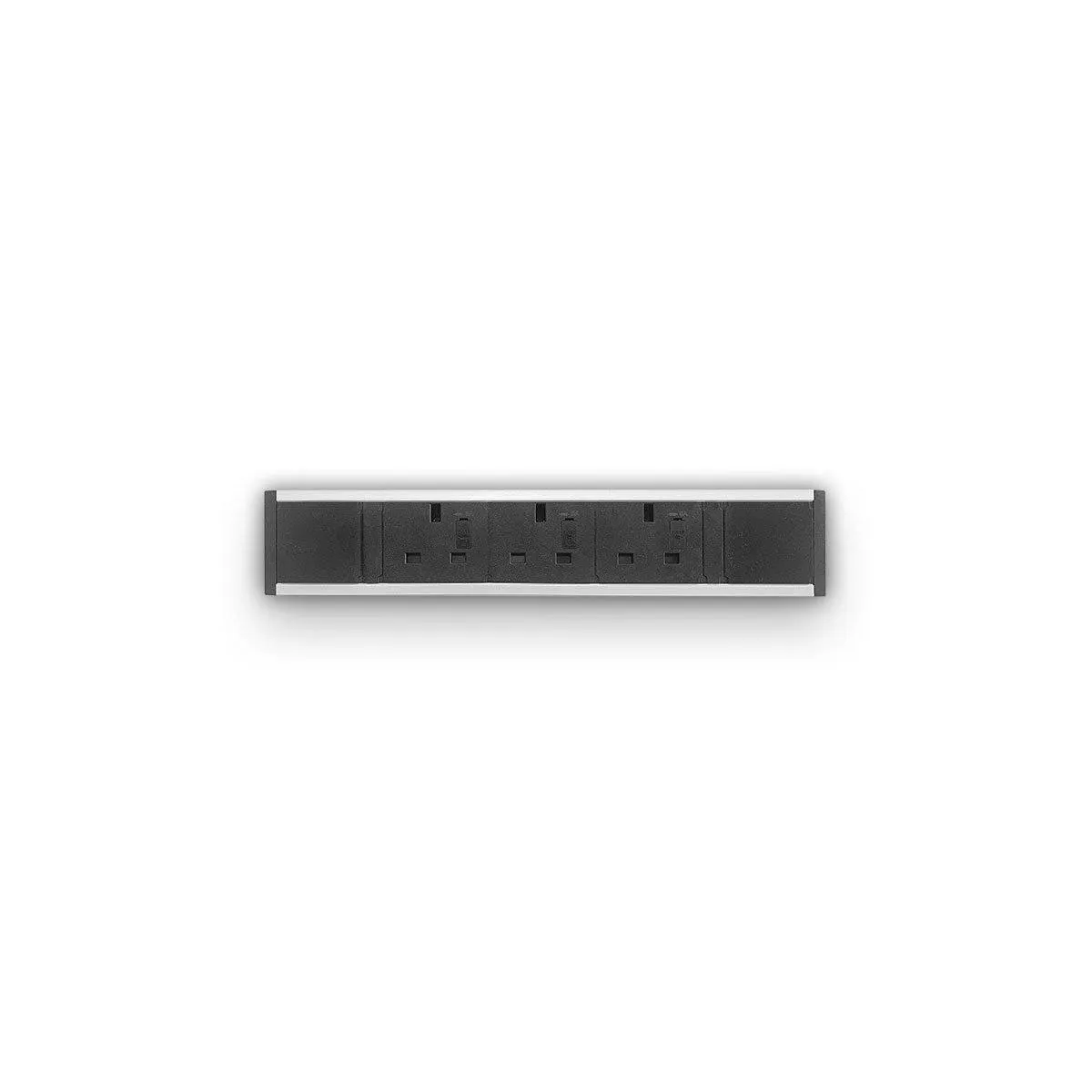
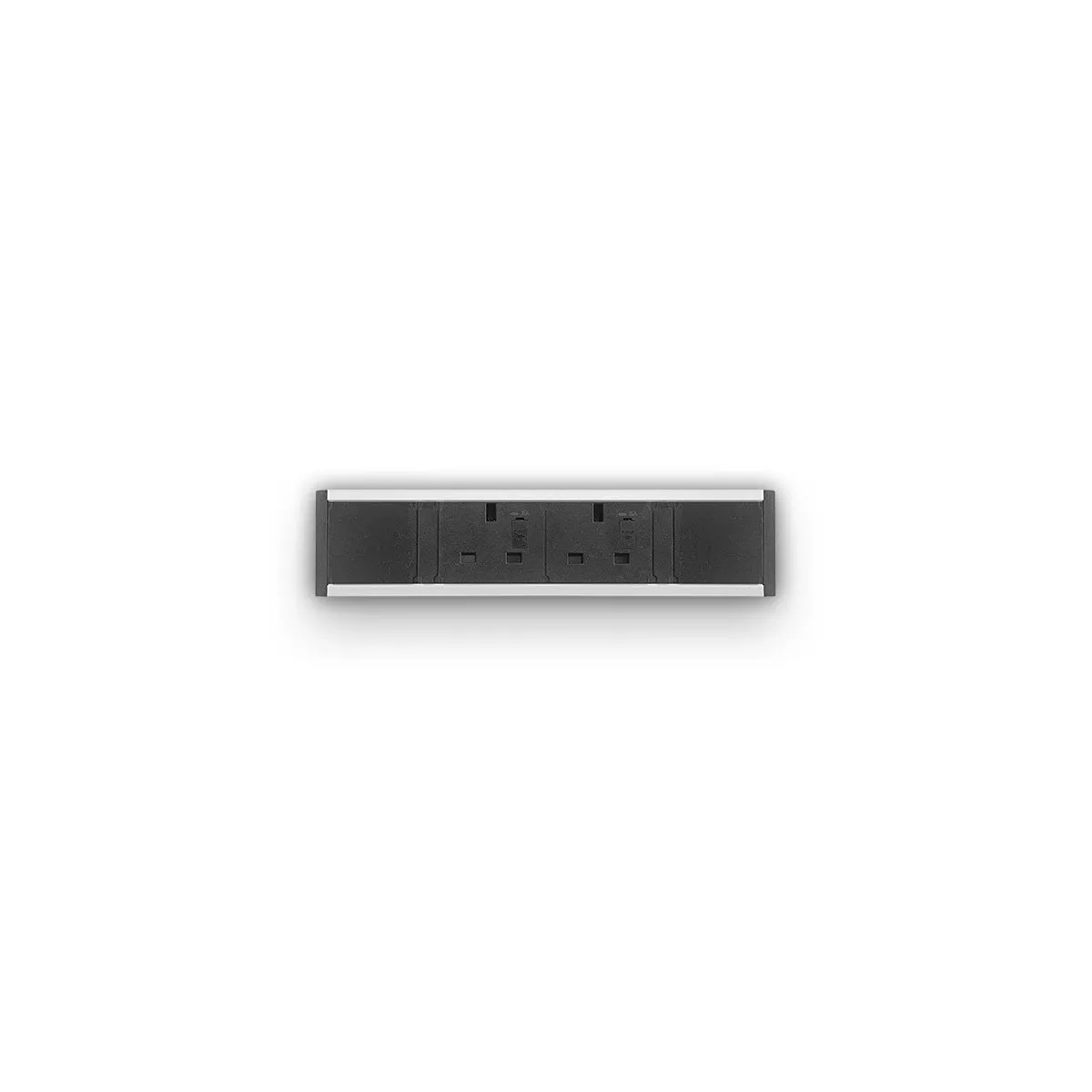
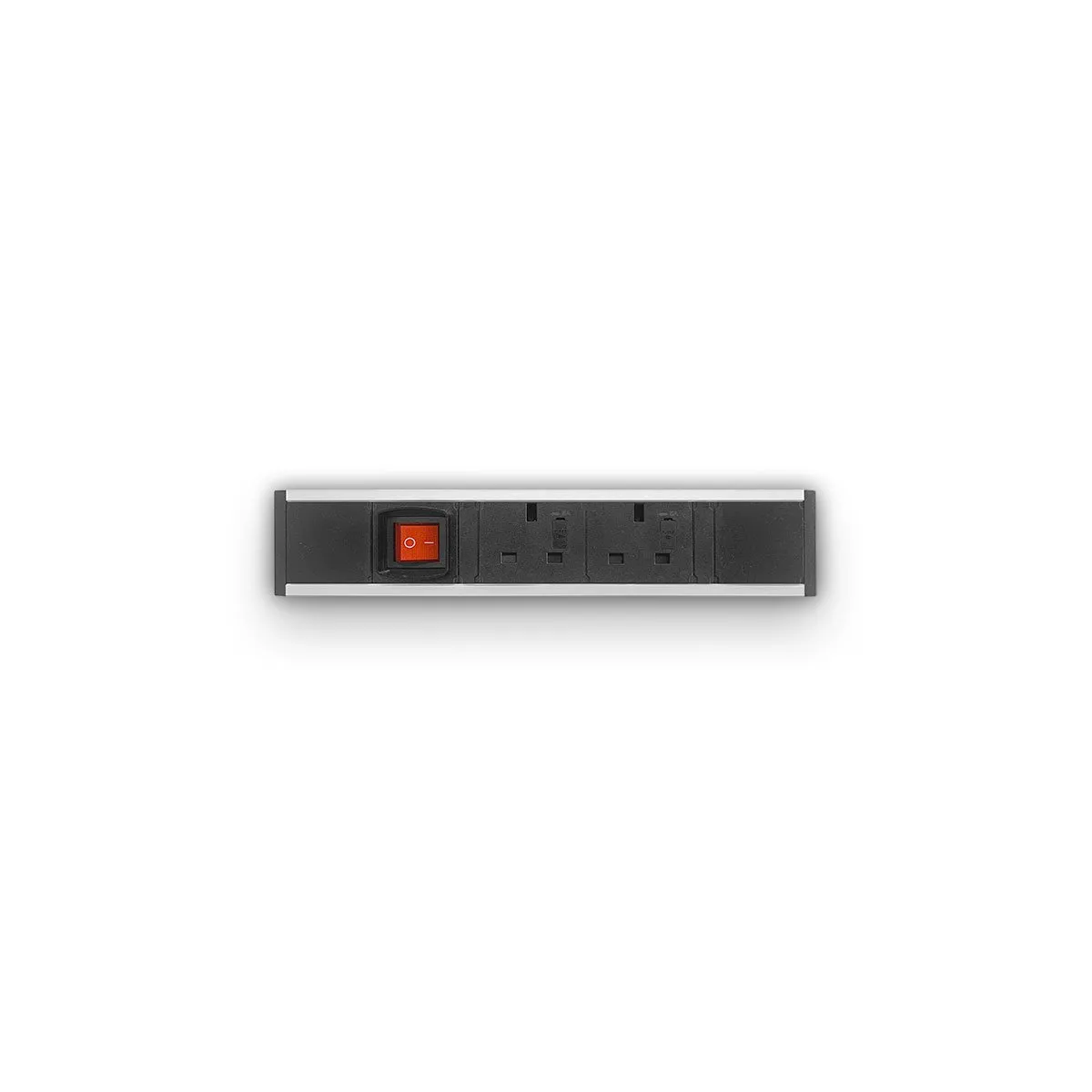
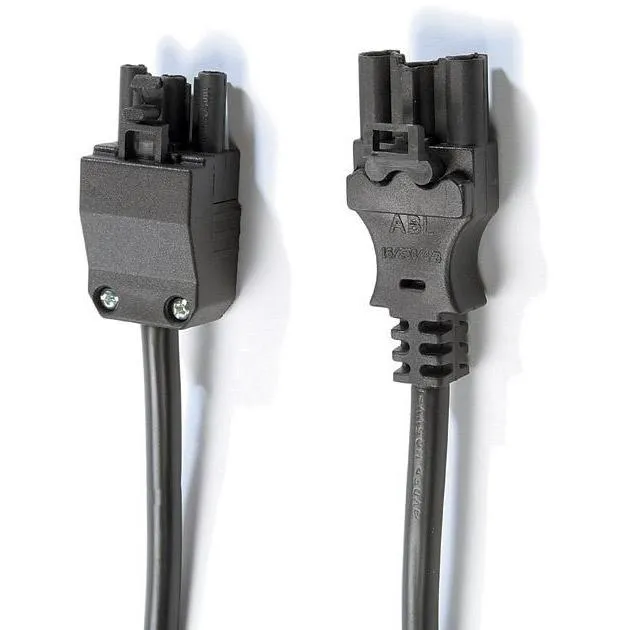
Office electrics put power, USB charging and data where people actually sit, rather than at a distant wall socket. This category gathers desktop, in-desk and under-desk power modules from CMD, Sourcetec and Metalicon, plus the Dynamic Office Solutions Volta and Impulse units, connector leads, and a task light from Lumie. It is the place to start when planning power for a new desk layout.
How to choose office power
Work out where the power needs to appear, then how it gets there.
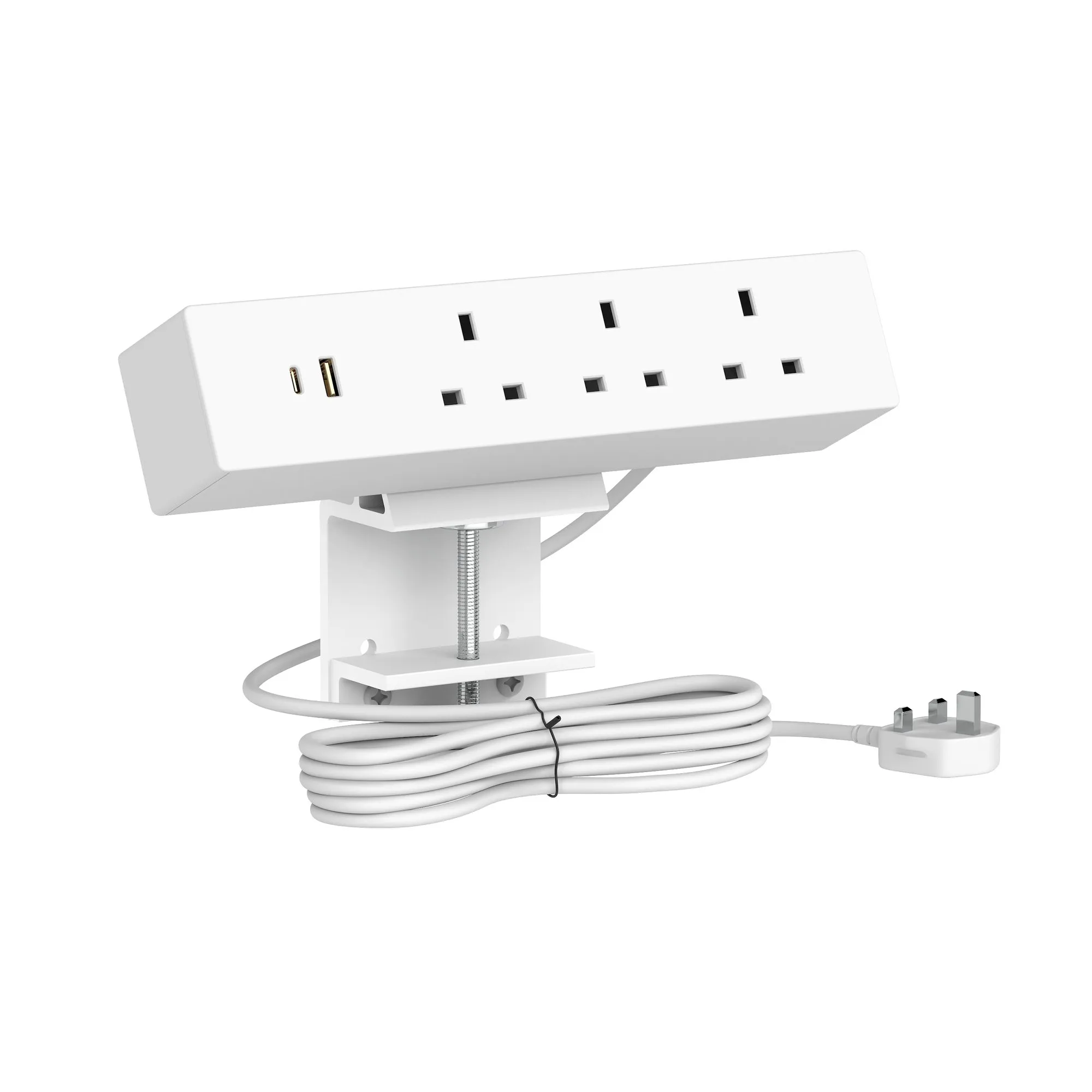
- Desktop units such as the Sourcetec Uno, Ion and Nano sit on the surface and are the easiest to add to an existing desk.
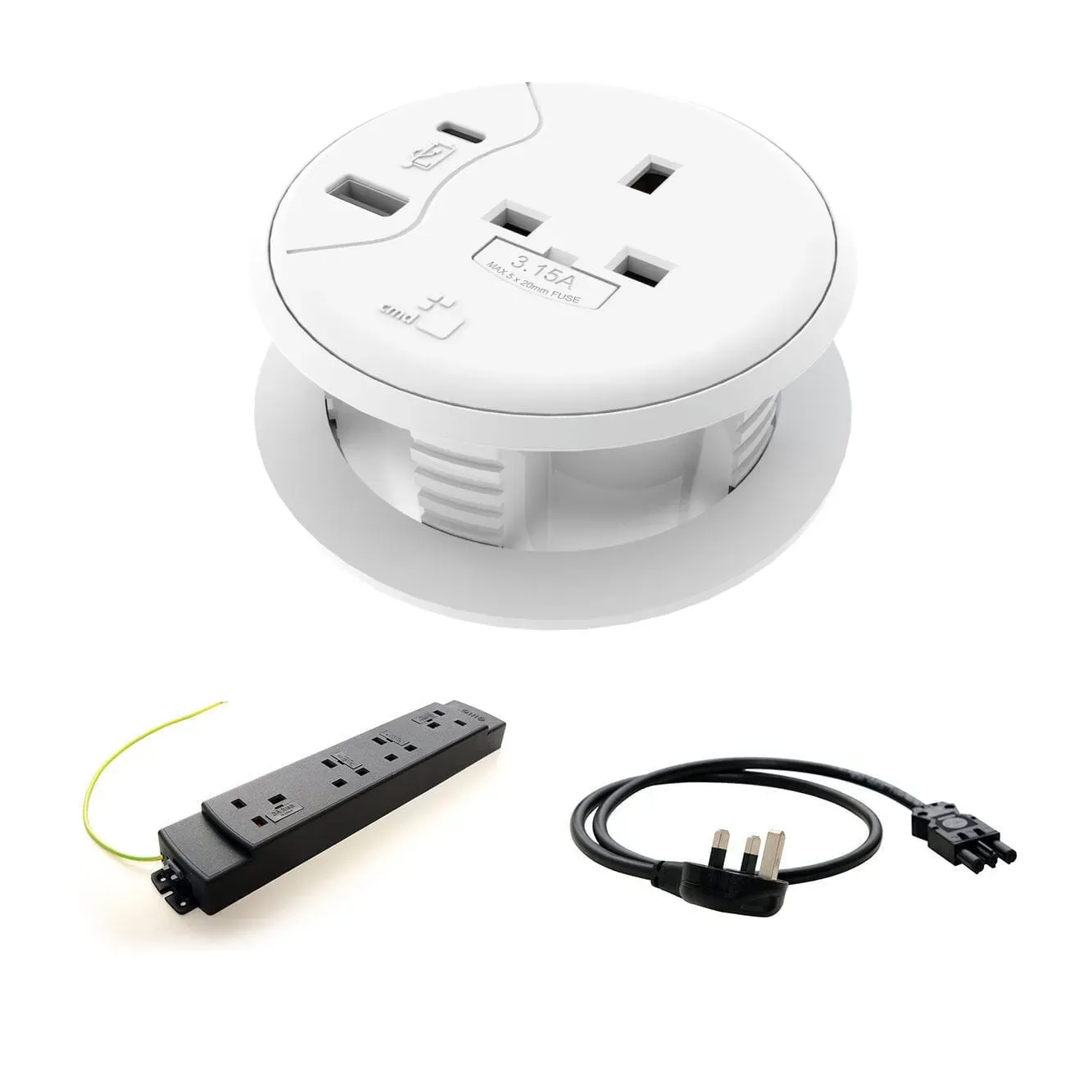
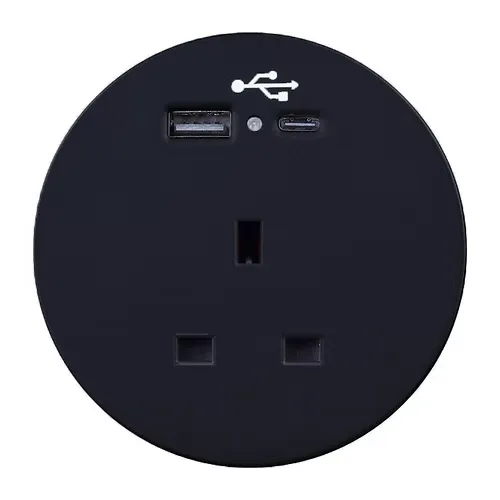
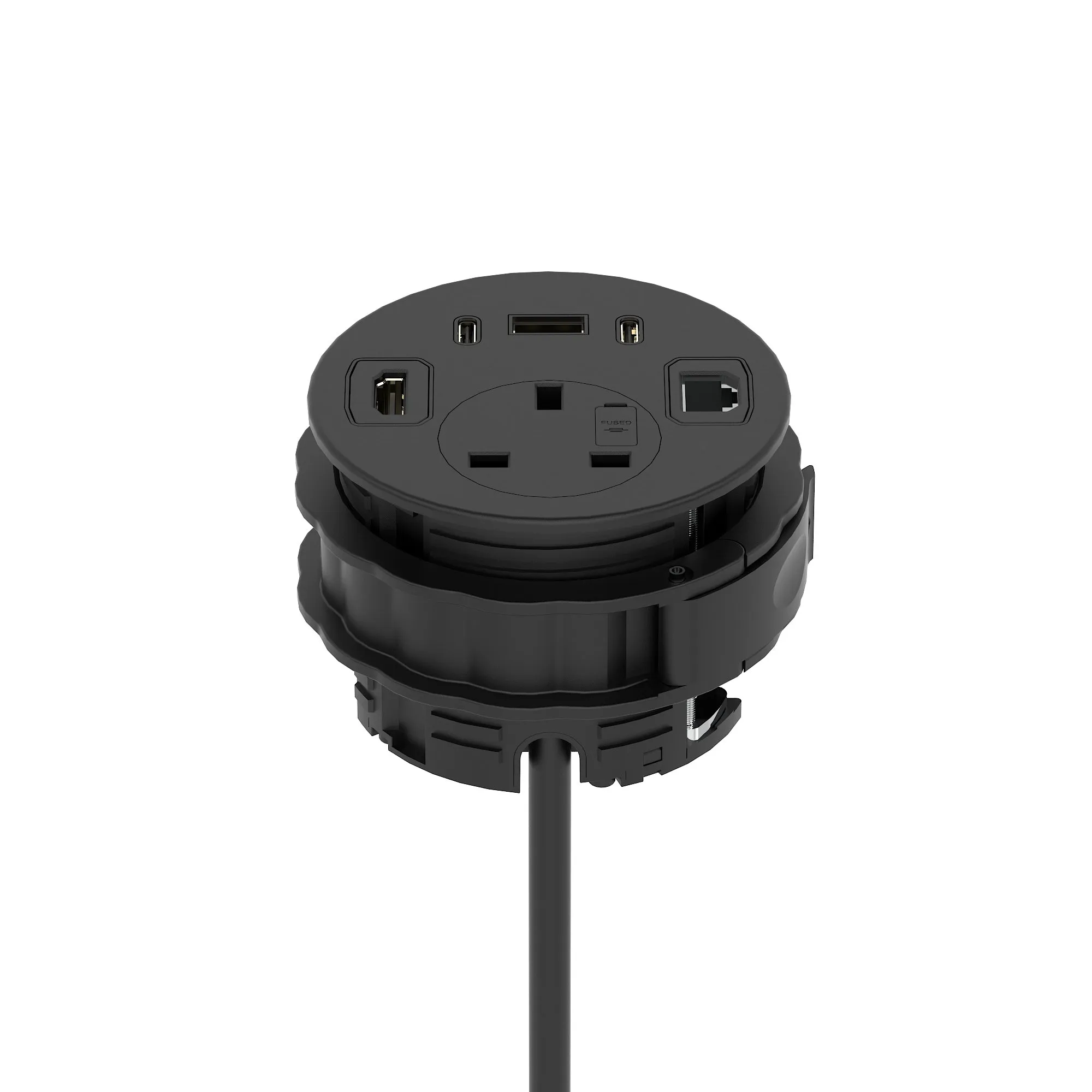
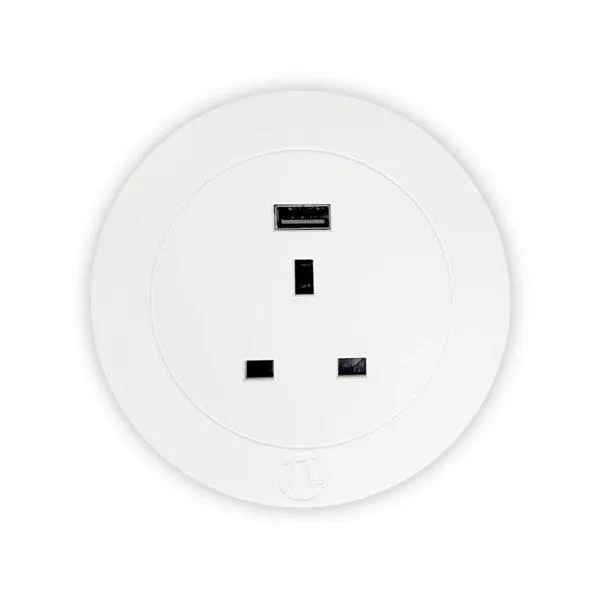
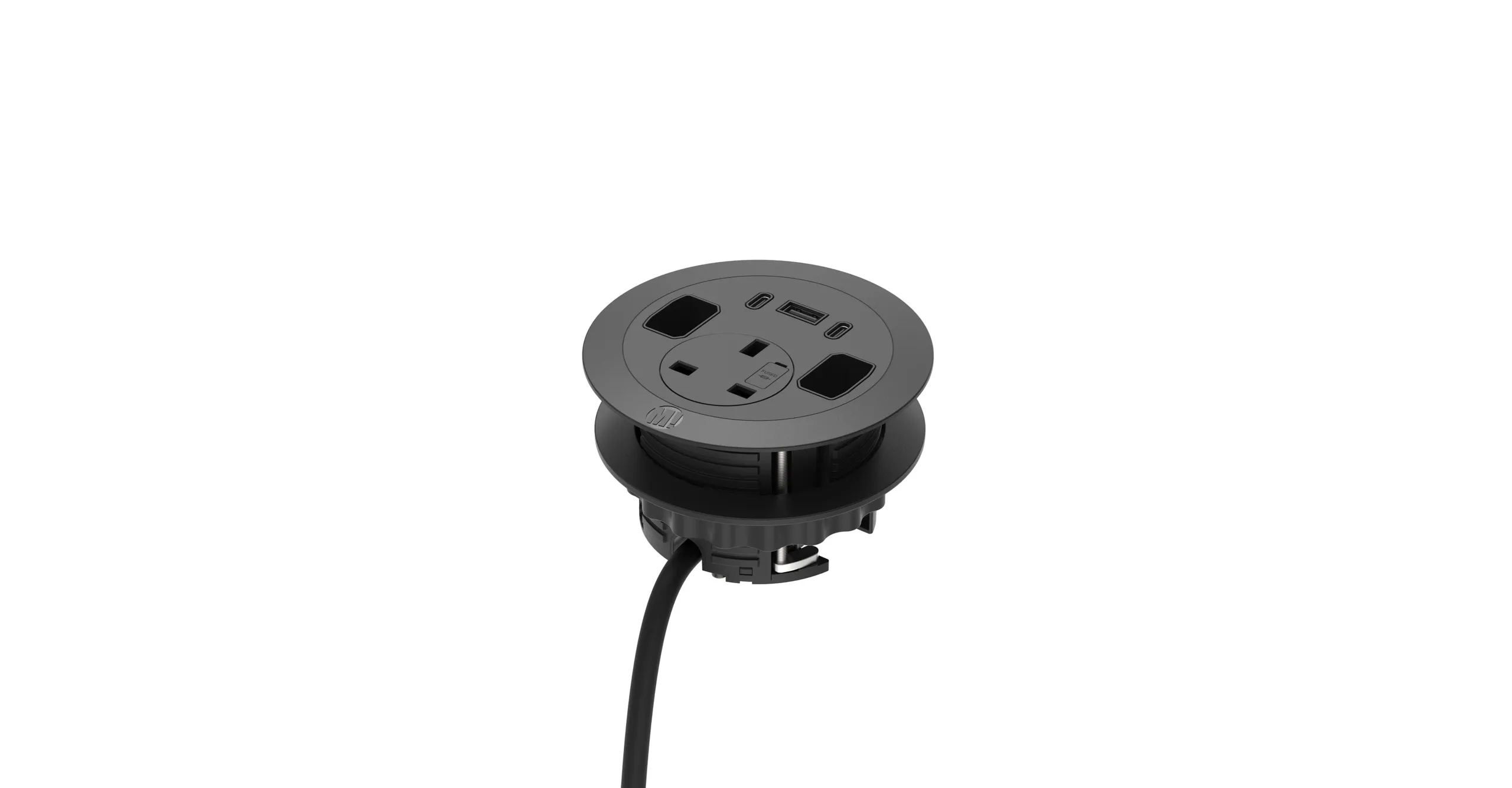
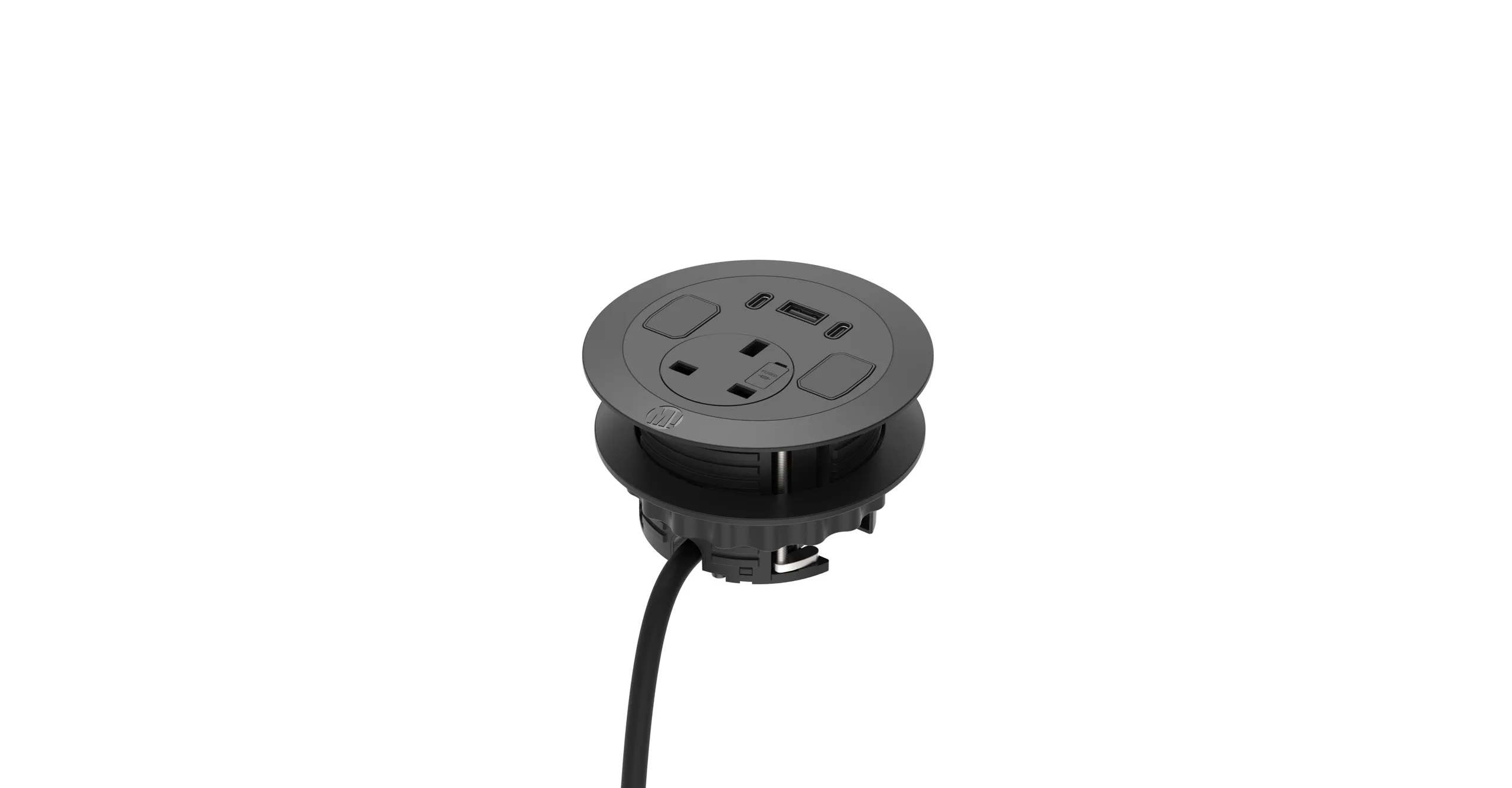
- In-desk modules such as the CMD Porthole, Lunar and Neptune drop into a cut-out for a cleaner top, so check the hole size first.
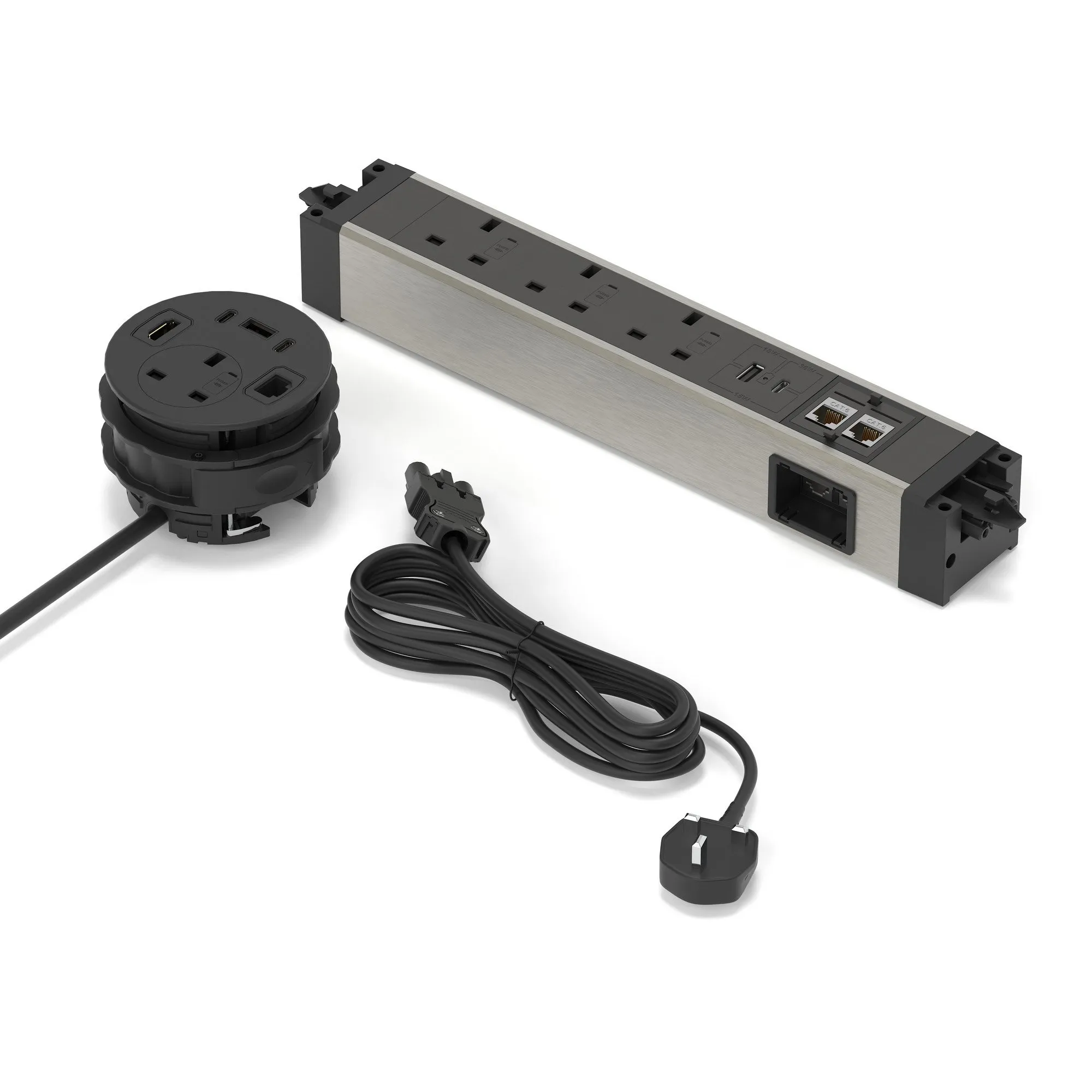
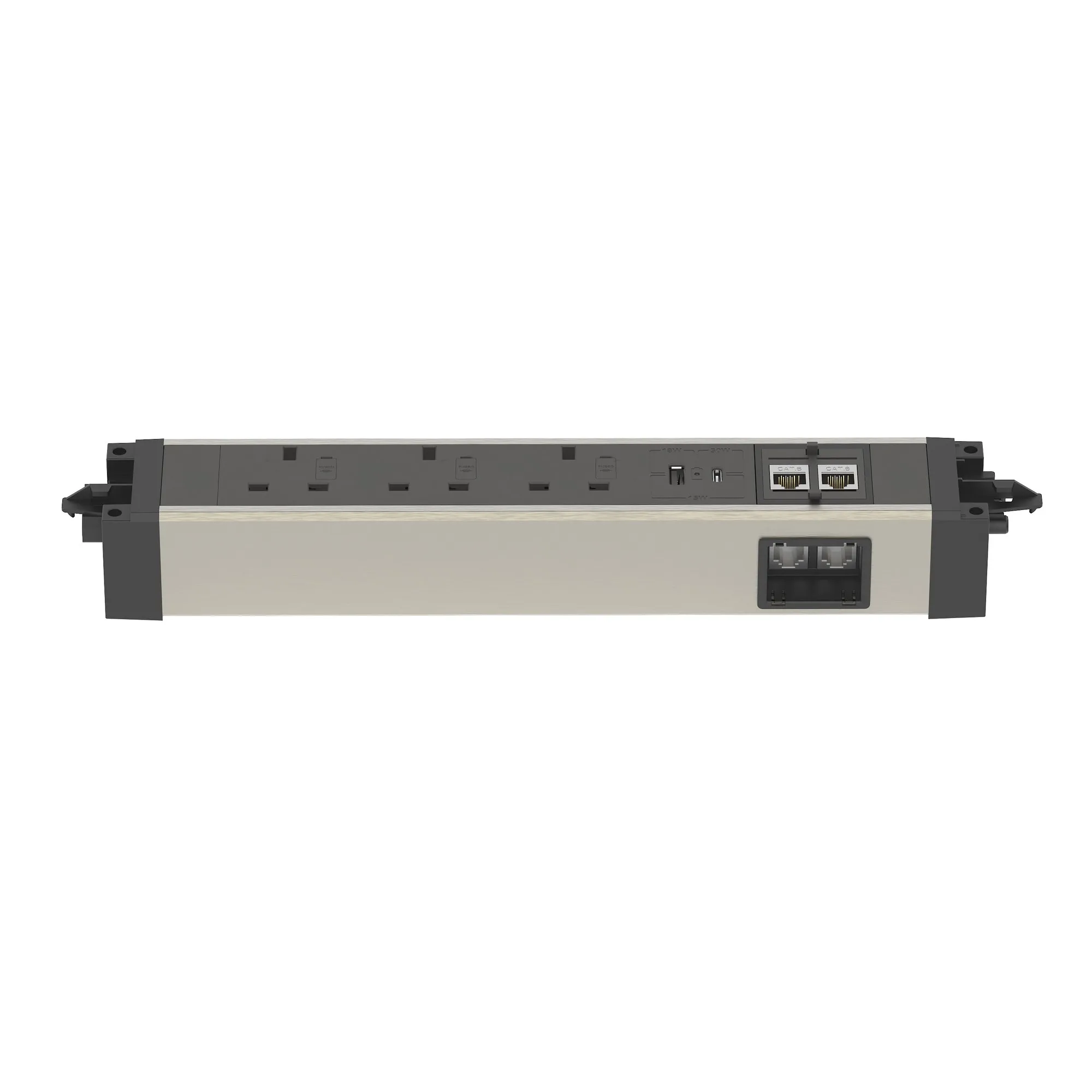
- Under-desk modules from the CMD Elite and Conti ranges and the Metalicon Powerlink feed several sockets from one supply.
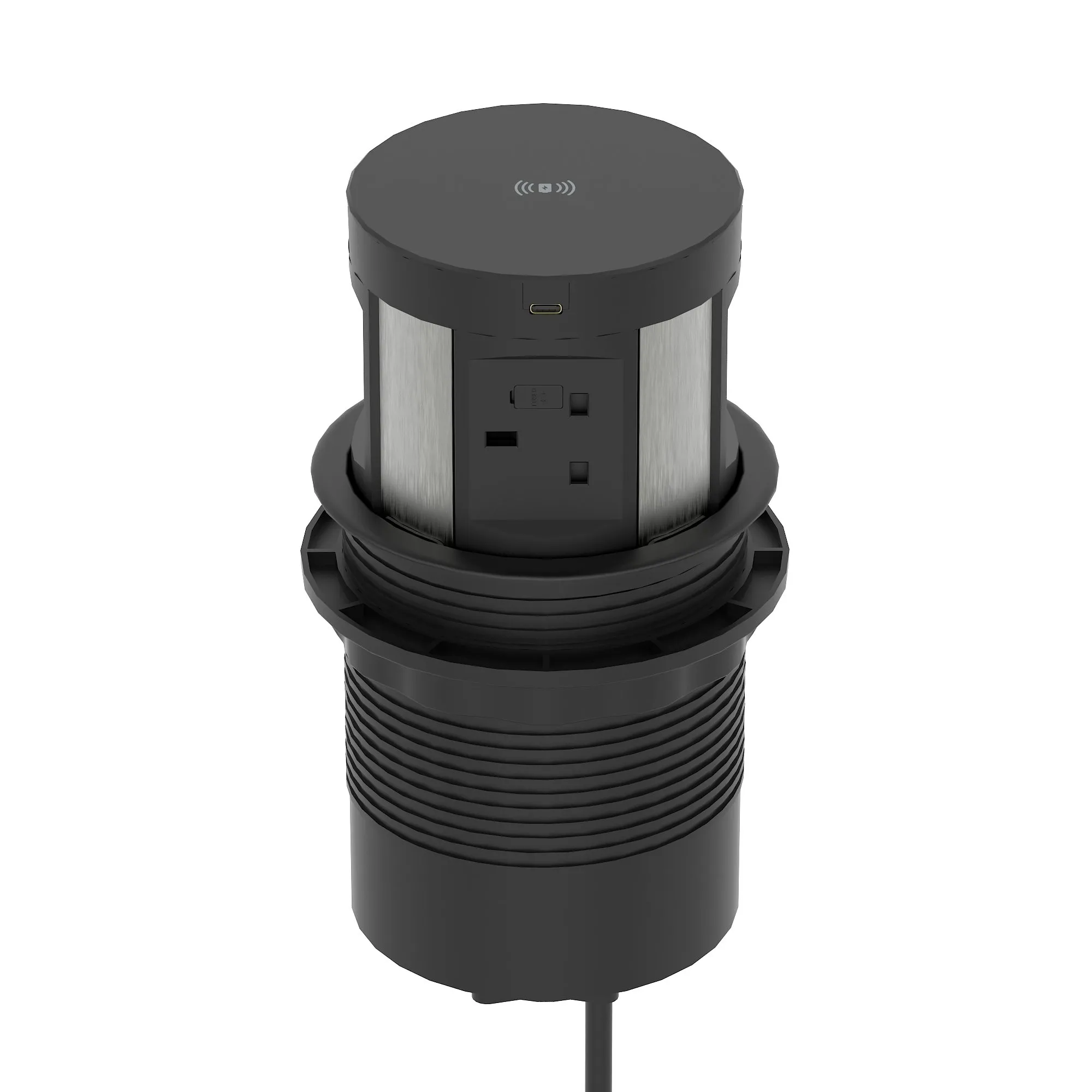
- Count the USB A and USB C outlets you need per person, and consider wireless charging such as the Sourcetec Ion Duo or the Volta round pop-up unit.
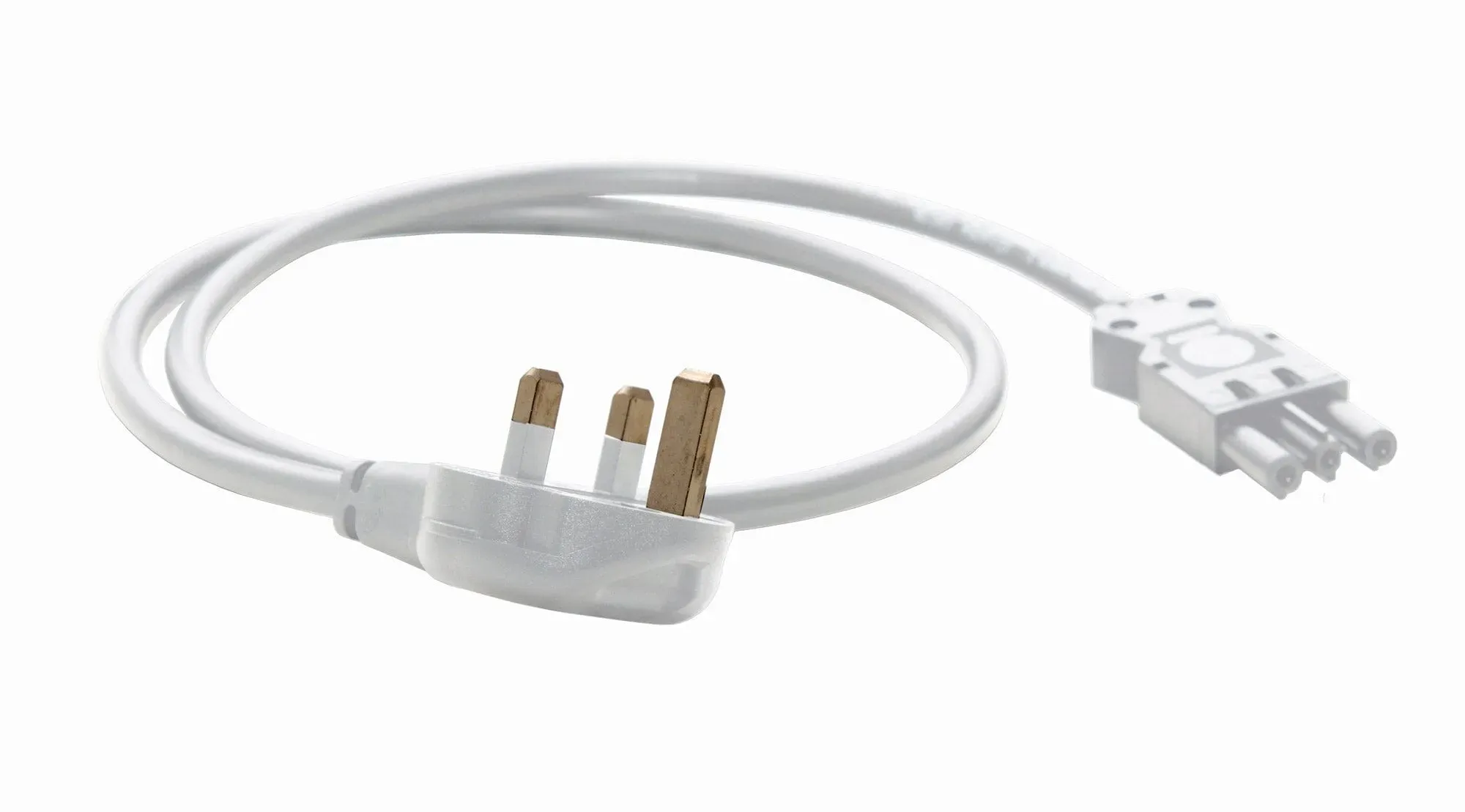
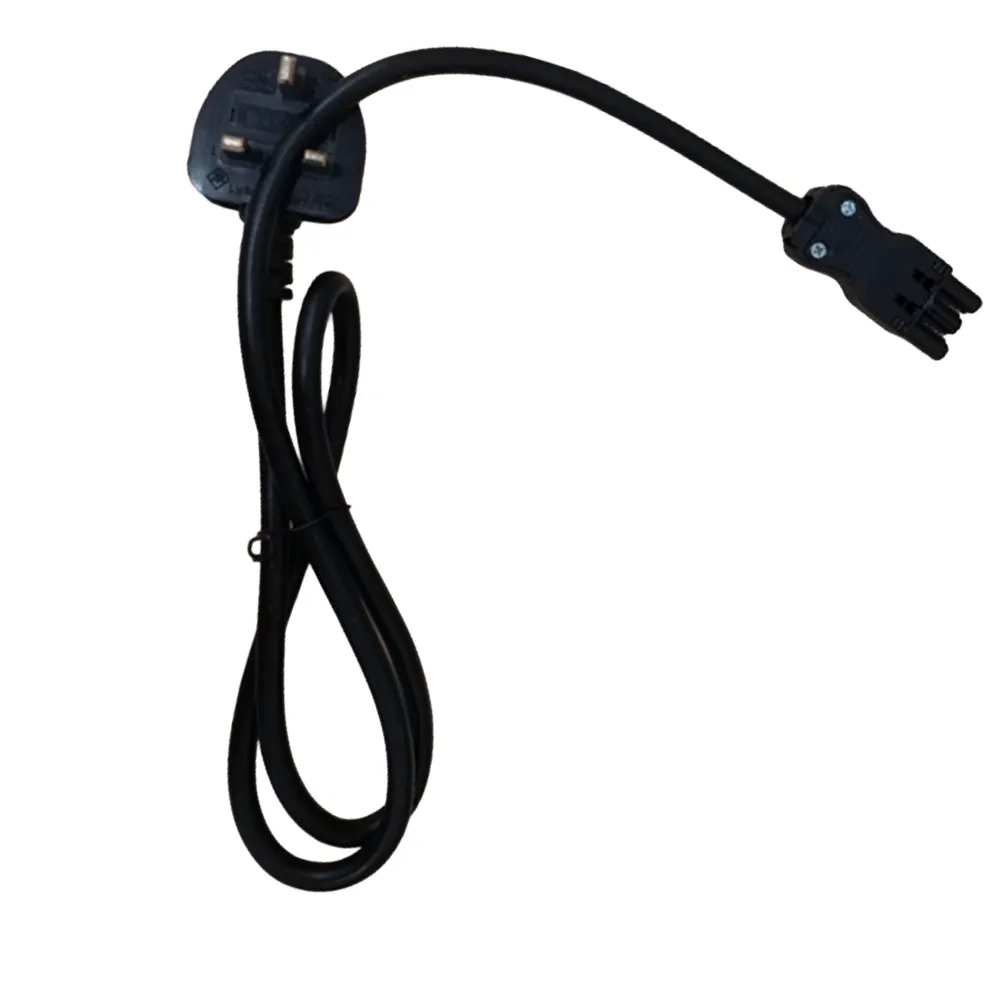
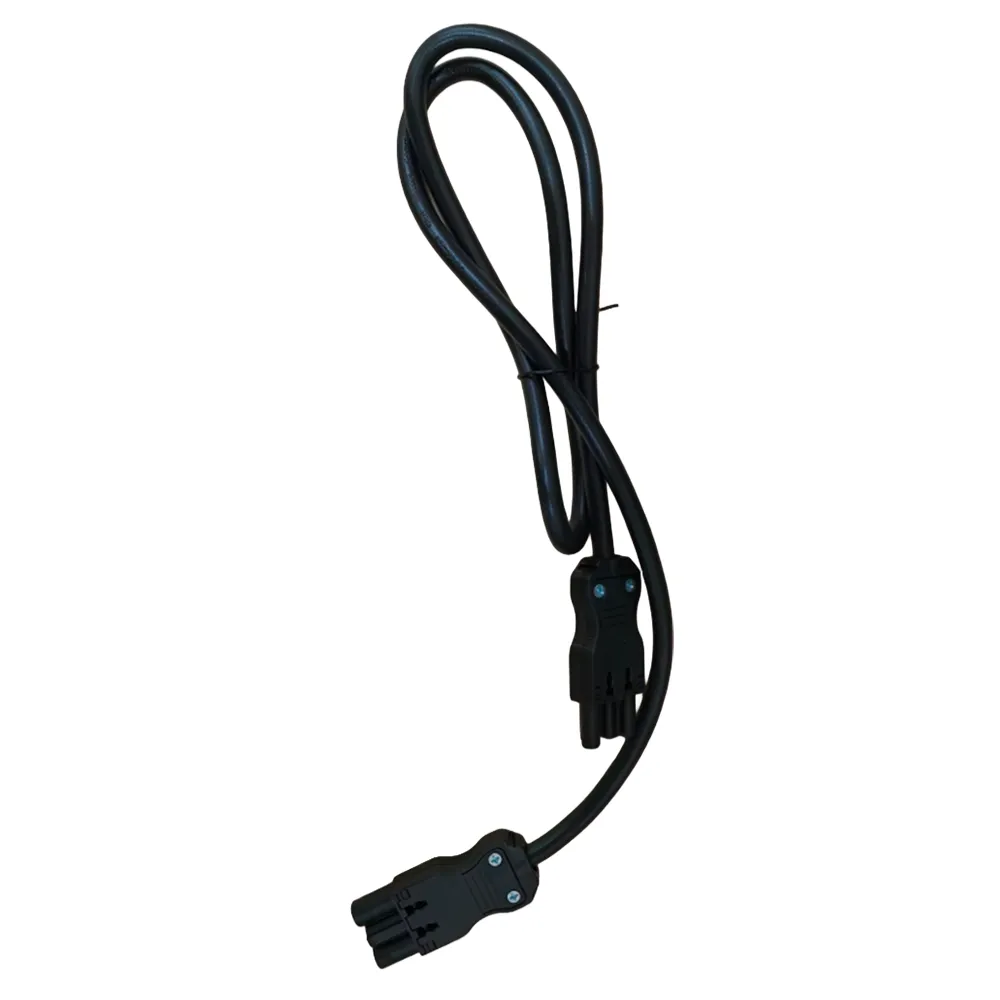
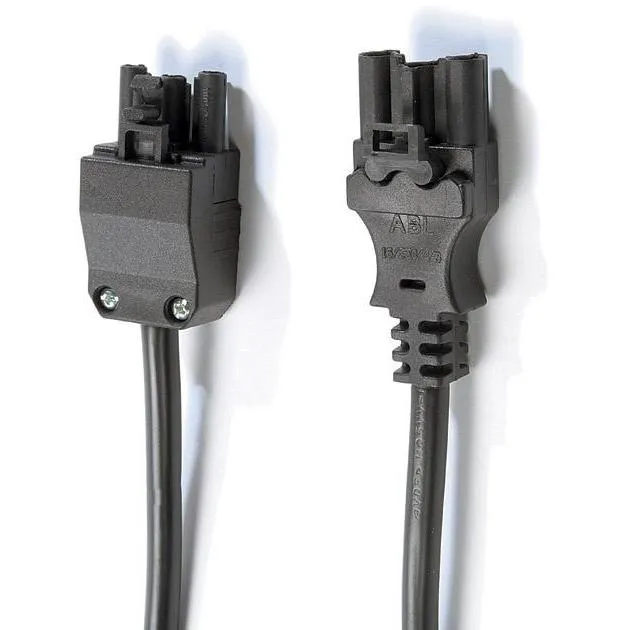
- Keep to one connector family per installation, because CMD 16 series leads, Sourcetec starter cables and Volta chain cables each suit their own modules.
For fit-out projects, office managers and home desks
Fit-out contractors and electricians specify most of this range, typically one under-desk module and one desktop or in-desk unit per position, and ask for a project quote with the desks. Office managers adding charging to meeting tables or breakout areas can pick a Volta pop-up module or the Design soft seating power module. Home workers usually want a single desktop unit with USB charging, and the Sourcetec Pico or a CMD desktop module bundle with a 3 metre mains cable is the simple answer.
Orders are delivered to the UK mainland direct from the manufacturer, and project pricing is available through trade and quotes. To go straight to modules that drop into the desk surface, see in-desk power.