
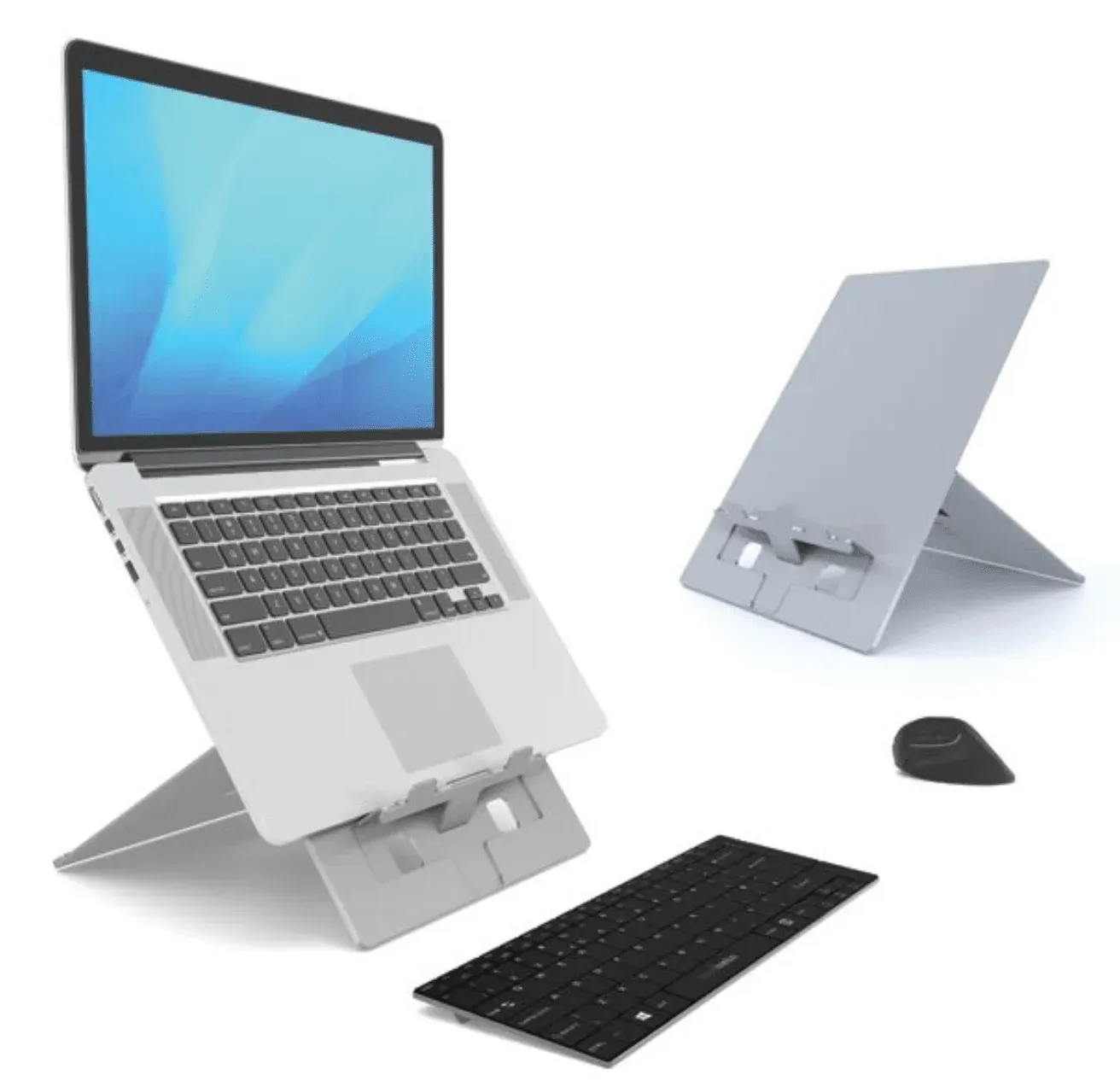
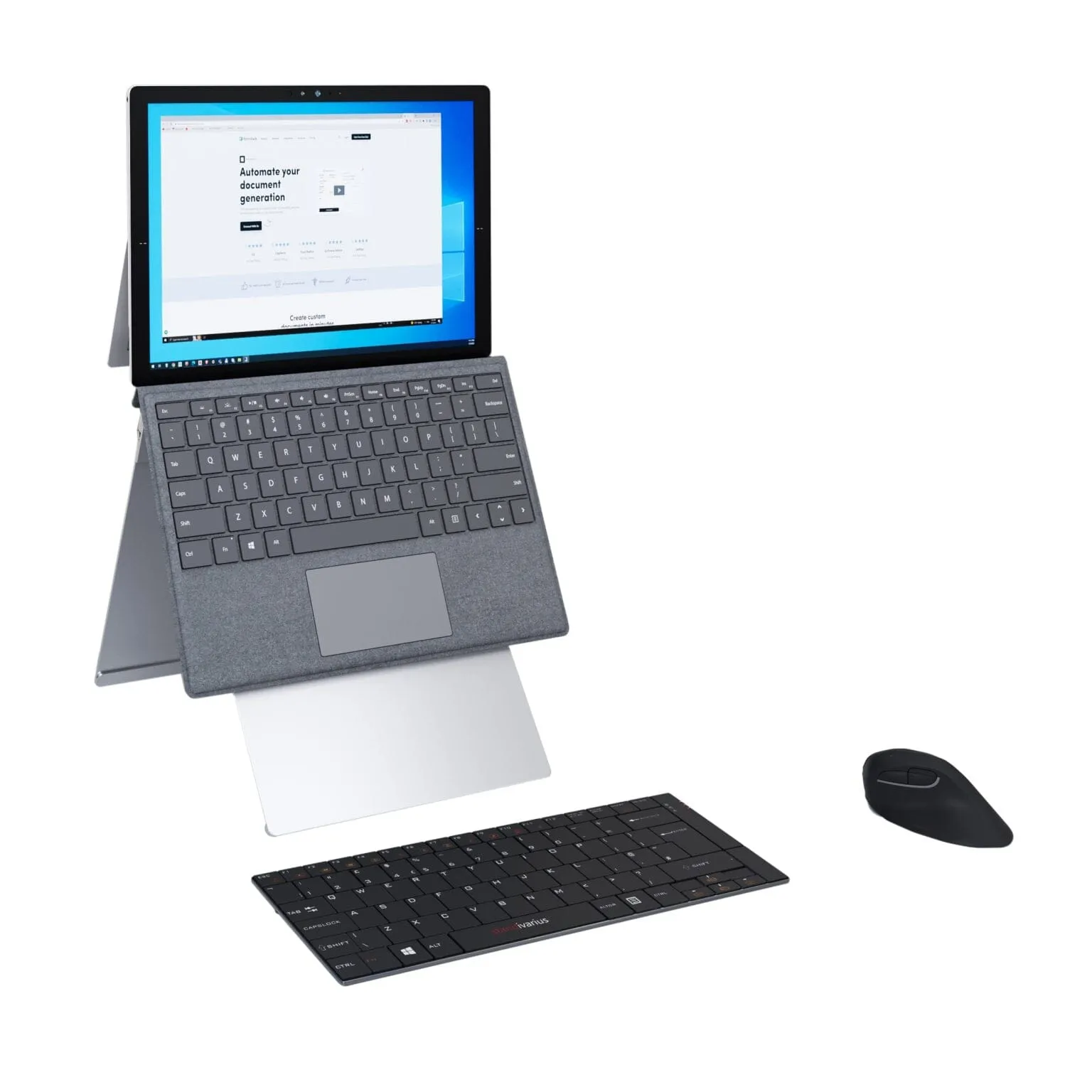
Tablet stands raise a tablet from the desktop to a comfortable viewing and typing position. The two Standivarius designs here, the Stand·Art and the Kickstand Stand, are for people who use a tablet as a working screen. They suit a desk, a meeting room or a home setup.
How to choose a tablet stand
Think about how the tablet is used through the day.
- If you type on the tablet itself, a lower angle keeps the wrists straighter than a near vertical screen.
- If you pair it with a separate keyboard, a taller stand brings the top of the screen closer to eye level.
- Hybrid workers who carry the tablet between locations should favour a stand that folds flat in a bag.
- Check that the stand clears any case you keep on the tablet, particularly one with a bulky corner.
- For a shared meeting room, a stable base matters more than the lightest possible weight.
For hybrid workers, meeting rooms and site teams
Home and hybrid workers usually buy one stand to go with a laptop stand and keyboard, making the tablet a second screen. Facilities teams furnishing meeting rooms or reception desks tend to order several and ask for a quote. Designers can specify Standivarius alongside the monitor arm and laptop support ranges for a consistent look.
Stands are delivered to the UK mainland direct from the manufacturer. Ask about volume pricing via trade and quotes, or see the matching laptop stands for notebook users.